A Step-by-Step Guide to Creating Your Brand Hub
Looking for the best brand portals for your growth company? This article covers the top 5 brand portals that will help take your team to organize and share brand assets.
Focal team
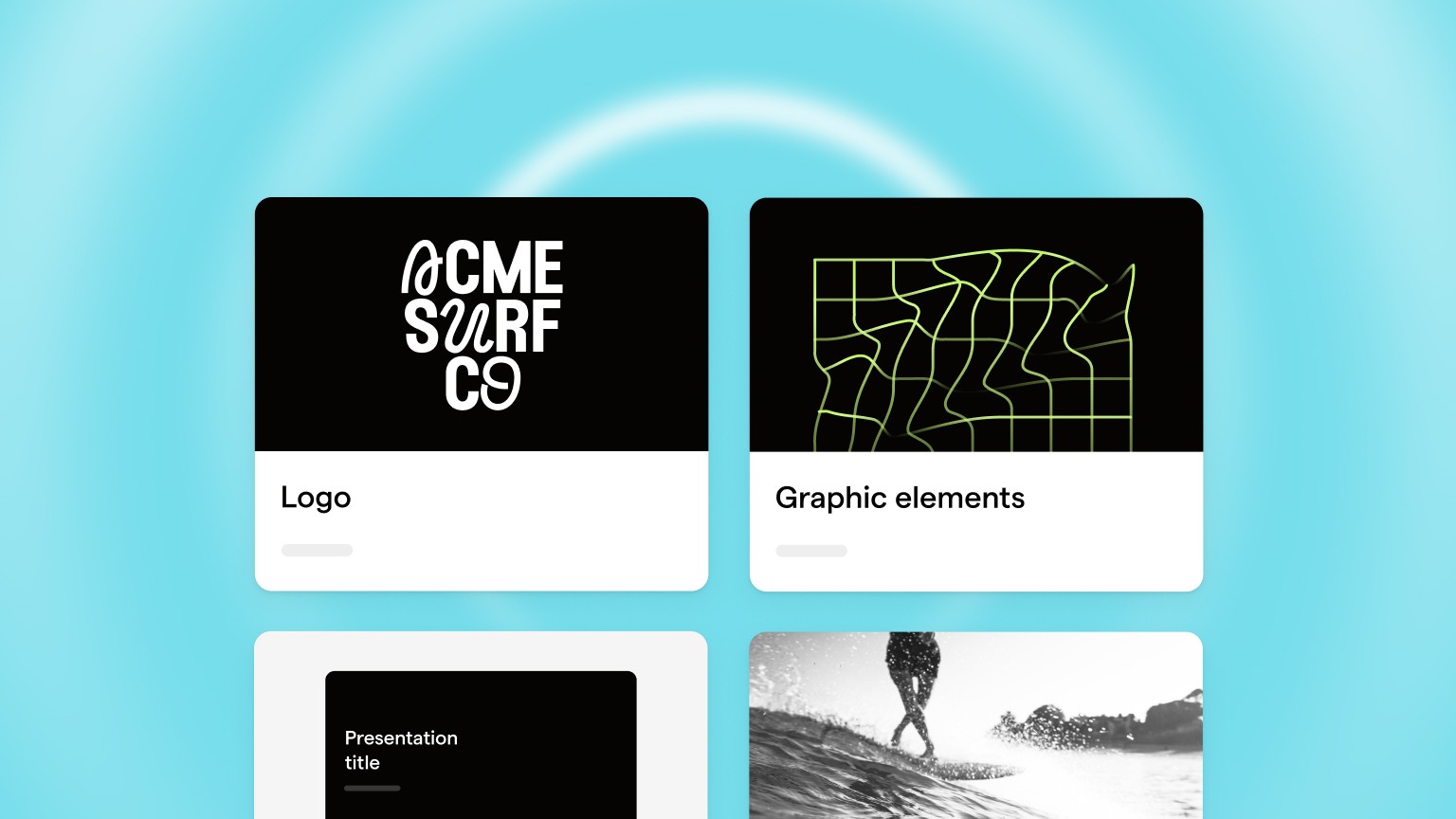
In today's digital age, creating a strong brand is essential for any business looking to make its mark. A brand hub is a centralized location for all of your brand-related assets, including logos, graphics, and guidelines. In this article, we will provide you with a step-by-step guide to creating your brand hub, so you can ensure that your brand is consistent and strong across all channels
Introduction
Creating a strong brand is one of the most important things you can do for your business. A strong brand can differentiate you from your competitors, increase customer loyalty, and help you attract new customers. However, managing a brand can be a daunting task, especially if you have multiple team members working on different projects.
That's where a brand hub comes in. A brand hub is a centralized location for all of your brand-related assets, guidelines, and best practices. In this article, we will provide you with a step-by-step guide to creating your brand hub, so you can ensure that your brand is consistent and strong across all channels.
Why You Need a Brand Hub
A brand hub is essential for any business looking to build and maintain a strong brand. Here are some of the key reasons why you need a brand hub:
Consistency: A brand hub ensures that all of your brand-related assets and guidelines are in one place, making it easy to ensure consistency across all channels.
Efficiency: With a brand hub, your team members can quickly and easily find the assets they need, without wasting time searching for them.
Scalability: As your business grows, a brand hub can help you manage your brand more effectively, ensuring that everyone is on the same page.
Brand Protection: By providing your team members with clear guidelines, a brand hub can help protect your brand from being misrepresented or misused.
Determine Your Brand Guidelines
Before you can create your brand hub, you need to determine your brand guidelines. Your brand guidelines should include:
Brand messaging: What is your brand's story? What are your core values and beliefs?
Tone and voice: How does your brand communicate with its customers? What is the tone and voice of your brand?
Logo usage: What are the guidelines for using your logo? What are the different versions of your logo?
Color palette: What are the colors that represent your brand? What are the primary and secondary colors?
Typography: What fonts and sizes are used in your brand communications?
Imagery: What types of images are used to represent your brand? What are the guidelines for using images?
Once you have determined your brand guidelines, you can move on to the next step.
Gather Your Brand Assets
The next step is to gather all of your brand assets. Your brand assets should include:
Logo files: High-resolution versions of your logo in different formats (EPS, PNG, JPG).
Graphics and imagery: Any graphics, images, or illustrations that represent your brand.
Brand guidelines: A document outlining your brand guidelines, including messaging, tone, voice, color palette, typography, and imagery.
Marketing materials: Any brochures, flyers, or other marketing materials that feature your brand.
Website assets: Any website graphics, icons, or images that represent your brand.
Once you have gathered all of your brand assets, you can move on to the next step.
Create Your Brand Hub Structure
Now that you have your brand guidelines and assets, it's time to create the structure of your brand hub. Your brand hub should be organized and easy to navigate. Some tips for creating a structure include:
Organize by category: Organize your assets by category, such as logos, graphics, and marketing materials.
Use a hierarchy: Use a hierarchy to organize your categories and subcategories, with the most important categories at the top.
Use clear labels: Use clear labels for your categories and subcategories, so that it's easy for your team members to find what they need.
Create a search function: Consider creating a search function so that your team members can quickly find what they need.
Design Your Brand Hub
Once you have your structure, it's time to design your brand hub. Your brand hub should be visually appealing and easy to use. Here are some tips for designing your brand hub:
Use your brand colors: Use your brand colors in your design to create a cohesive look and feel.
Use clear and easy-to-read fonts: Use fonts that are easy to read and consistent with your brand guidelines.
Use whitespace: Use whitespace to create a clean and organized look.
Consider using icons: Consider using icons to make your categories and subcategories more visually appealing.
Populate Your Brand Hub
Now that you have your structure and design, it's time to populate your brand hub with your assets and guidelines. Here are some tips for populating your brand hub:
Use clear file names: Use clear file names that are consistent with your categories and subcategories.
Provide clear guidelines: Provide clear guidelines for using your assets, including logos, graphics, and imagery.
Include templates: Include templates for marketing materials, such as brochures and flyers, to make it easy for your team members to create consistent materials.
Train Your Team
Now that your brand hub is up and running, it's important to train your team on how to use it. Here are some tips for training your team:
Provide a walkthrough: Provide a walkthrough of your brand hub and how to use it.
Schedule training sessions: Schedule training sessions to ensure that all team members are comfortable using the brand hub.
Provide ongoing support: Provide ongoing support for your team members as they use the brand hub.
Maintain and Update Your Brand Hub
Finally, it's important to maintain and update your brand hub regularly. Here are some tips for maintaining and updating your brand hub:
Set up a schedule: Set up a schedule for reviewing and updating your brand hub on a regular basis.
Encourage feedback: Encourage feedback from your team members on how to improve the brand hub.
Stay up-to-date: Stay up-to-date with changes to your brand guidelines and assets.
Conclusion
Creating a brand hub is an essential step in building and maintaining a strong brand. By following these steps, you can create a centralized location for all of your brand-related assets and guidelines, ensuring consistency across all channels.
FAQs
What is a brand hub?A brand hub is a centralized location for all of your brand-related assets, guidelines, and best practices.
Why do I need a brand hub?A brand hub ensures consistency, efficiency, scalability, and brand protection.
What should be included in my brand guidelines?Your brand guidelines should include brand messaging, tone and voice, logo usage, color palette, typography, and imagery.
How often should I update my brand hub?You should set up a schedule for reviewing and updating your brand hub on a regular basis.
How can I train my team to use the brand hub?You can provide
How can I train my team to use the brand hub?You can provide a walkthrough of your brand hub, schedule training sessions, and provide ongoing support for your team members as they use the brand hub.
Can I create a brand hub using a website builder?Yes, many website builders offer templates specifically designed for creating brand hubs.
Can I use a brand hub for personal branding?Yes, a brand hub can be used for personal branding, such as creating a portfolio or resume website.
What are some examples of successful brand hubs?Some examples of successful brand hubs include Adobe's Brand Guidelines, Mailchimp's Brand Assets, and Skype's Brand Guidelines.
Can a brand hub help with brand management?Yes, a brand hub can help with brand management by ensuring consistency across all channels and providing a centralized location for all brand-related assets and guidelines.
What are some common mistakes to avoid when creating a brand hub?Common mistakes to avoid include not organizing your assets and guidelines properly, not designing your brand hub in a visually appealing way, and not providing clear guidelines and ongoing support for your team members.