5 Tools Every Creative Strategist Needs in 2026
A practical overview of the five essential tools that help Creative Strategists manage briefs, assets, and feedback in one place.
Open a Creative Strategist's laptop on a typical Tuesday and count the tools: the analytics dashboard, the brief in Notion, the production tracker in Asana, the Drive folder with last week's batch, the Frame.io review waiting on approval, and the Slack thread where the media buyer asked about naming conventions three hours ago and you haven't answered yet.
Five tools. One job.
The fragmentation isn't accidental, as each tool fills a real gap. But this level of fragmentation introduces real problems. Every handoff from one platform to the next is a place where context gets lost, files get renamed (wrong), and time that should go to creative decisions goes to logistics instead.
This guide breaks down the five functional areas every Creative Strategist needs covered, what some of the most popular choices are for each, where the tool falls short, and how a consolidated stack changes the maths on iteration speed.
If you're looking for a full breakdown of the Creative Strategist role itself: what the job actually involves in 2026, which metrics matter, and how the strategic and operational halves of the role interact, start with the Creative Strategist guide.
The 5 things every creative strategist needs covered
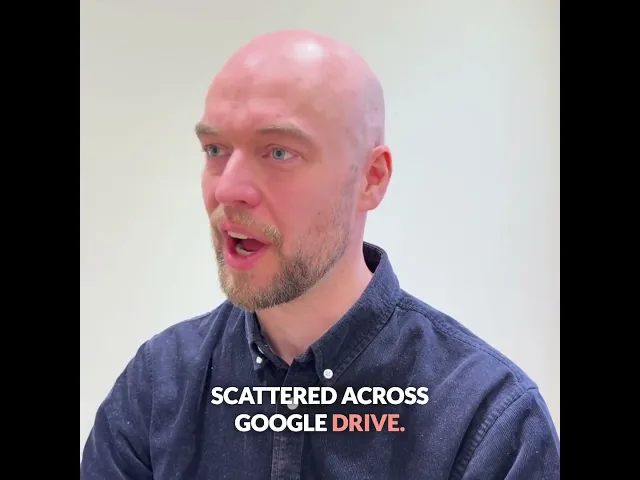
On this video, our CEO and co-founder Andreas walks through the typical tool stack a Creative Strategist requires. Individual categories are discussed further below.
1. A way to know what's working
What you need
Visibility into which creatives are live, which are testing, and which are driving results, connected to the actual files, not to a spreadsheet that depends on naming conventions you can't enforce.
What most teams use
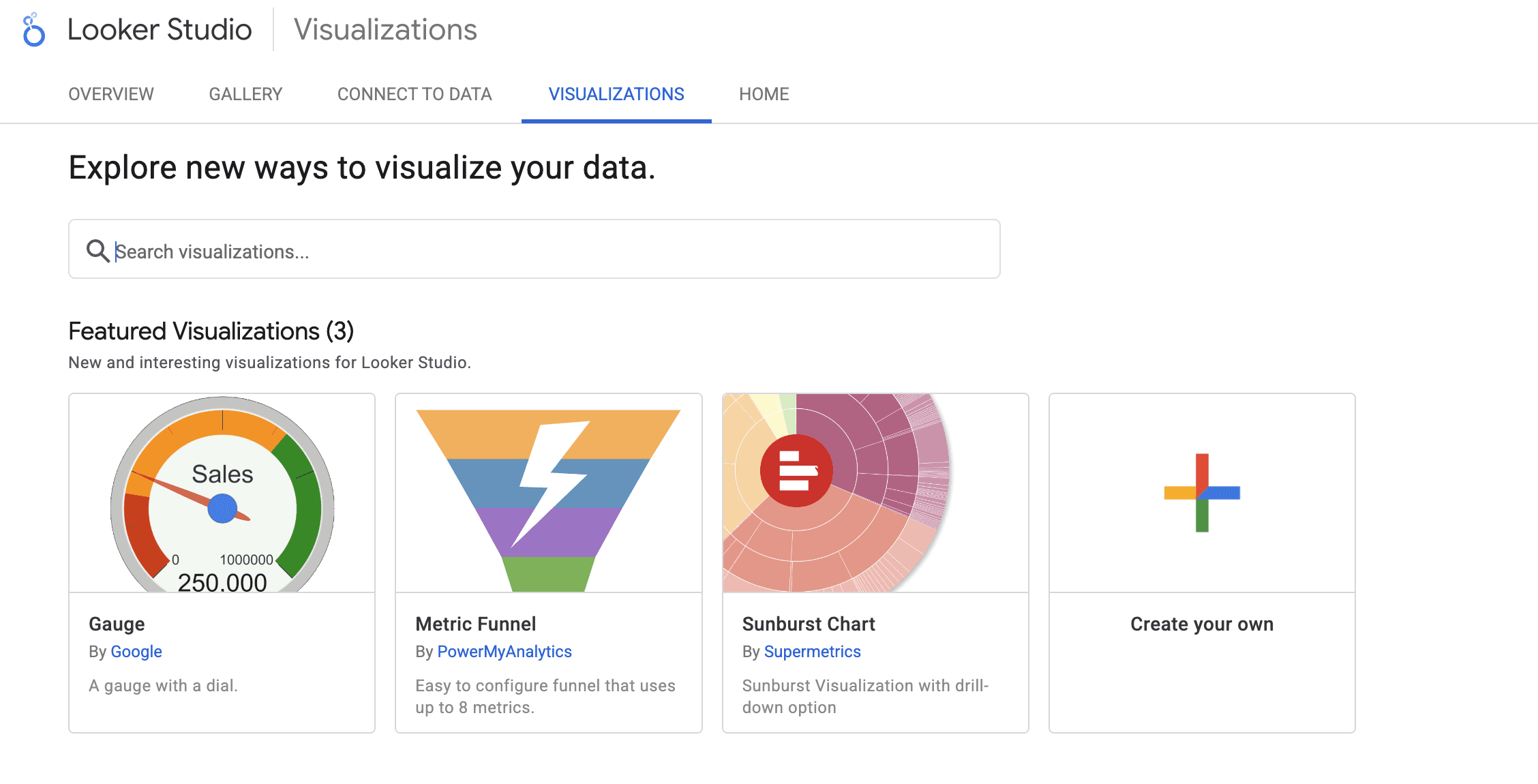
A dedicated creative analytics platform or a reporting tool alongside their ad managers. For example: PowerBI, Looker Studio, Tableau, Google Sheets, Motion or Superads. Some teams also run spreadsheets that manually map ad names to creative files.
The fundamental gap is that the performance data lives separately from the assets. If your naming conventions drift (which they always do when you're briefing multiple stakeholders at volume) the link between data and file breaks.
What that costs you
Creative Strategists who can't reliably connect performance data back to a specific asset end up losing insights. Learnings don't compound. The brief for next sprint starts from scratch instead of building on what worked.
2. Ad inspiration and competitive research
What you need
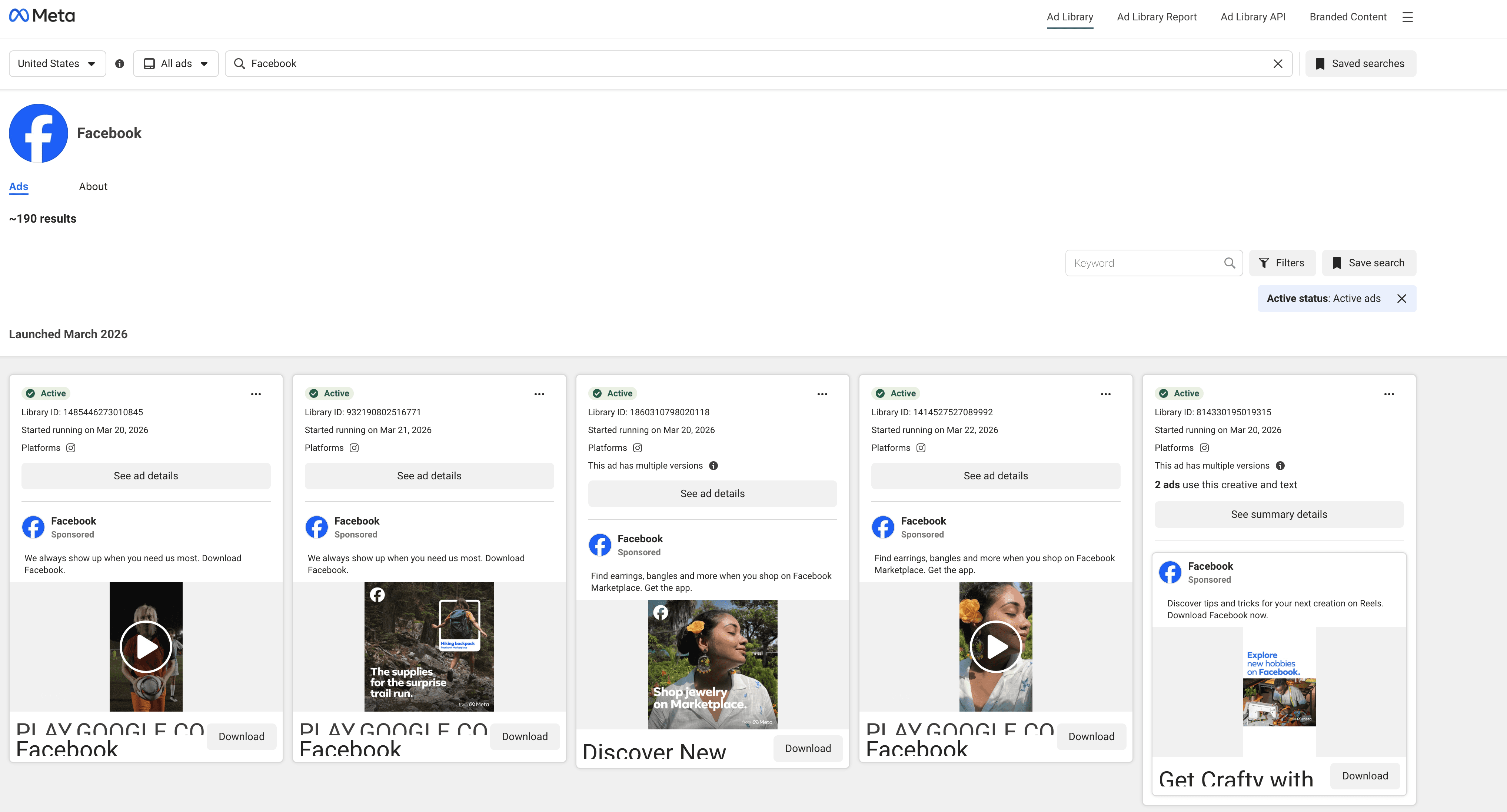
A way to track what competitors and analogous brands are running across Meta and TikTok, what formats, hooks, and angles are getting extended spend (a strong signal something is working), and a place to save references when briefing.
For more comprehensive of 12 of the best inspiration sources, see the video below:
What most teams use
Meta Ads Library for competitor monitoring, a swipe file tool for saving and organising references, and TikTok Creative Center for trending formats. These tools are worth keeping — the goal isn't to replace everything, it's to identify where fragmentation is costing you.
Where most teams underprice this
The Meta Ads Library is significantly more useful than most Creative Strategists realize. Filtering by specific brands, time ranges, and active status lets you build a real picture of what's sustaining spend in your category, not just what launched recently.
3. Brief writing and production tracking
What you need
A single place where briefs are written, assigned, tracked through production, and visible to everyone involved. This includes internal designers, external agencies, media buyers, and other stakeholders such as contracted content creators. When a brief leaves that system, something breaks.
What most teams use
Notion, Asana, Monday.com, or a Google Doc that gets shared around. Any of these works at low volume. At higher volume, with multiple agencies, two or three concurrent sprints, and a dozen active briefs constantly in the works, the lack of a file management layer becomes the problem. The brief is in Asana. The assets are in Drive. The review is in Frame.io. Nobody has a single view of where anything actually is.
What that costs you
The primary cost is time. Coordinating across disconnected systems is a full-time operational task, because every new agency you onboard adds another Notion board, another Slack channel and another naming interpretation to manage.
4. An asset library that's actually usable
What you need
A searchable library of every creative you've produced. To make it more useful, the assets should be findable by what's in the asset, not just what someone chose to name the file. Tagged by format, theme, visual elements, performance status. Accessible to the whole team, including agencies, without everyone seeing everything they shouldn't.
What most teams use
Google Drive or Dropbox. Both work until the library grows past a few hundred assets and your naming conventions start to break, which happens faster than anyone expects when you're briefing three agencies simultaneously.
"I have to hire someone to do the tagging and then it's personal opinion on what certain tags are. I've got 18,000 assets for my editors to scroll through."
— Creative Strategist, performance advertising team
What that costs you
For teams producing hundreds of new creatives per month, a Drive-based library becomes a liability within twelve months. Assets get lost. The same concepts get re-briefed. Winning creatives from previous sprints aren't findable, so they don't get iterated on.
For a detailed breakdown of how high-volume performance teams approach this: Digital asset management for performance advertising.
Focal's AI search makes finding any asset based on colors, tags, text inside the asset or even frame-by-frame in videos easy and fast.
5. Creative review, approvals, and channel delivery
What you need
A structured way for agencies and internal designers to submit assets, for Creative Strategists and media buyers to review and approve them, and for approved assets to reach Meta, TikTok and YouTube without a manual download, rename, and upload in the middle.
What most teams use
Frame.io for video review (strong for frame-by-frame comments), Slack for approvals (weak for everything), and manual download → rename → upload for channel delivery. The result is three separate steps that should be one.
What that costs you
Manual channel delivery is slow and error-prone. Incorrectly named files break reporting. Assets that should go live on Monday are delayed by a naming correction on Tuesday. At scale, this becomes a recurring tax on launch speed.
In Focal, all asset naming is handled automatically and assets are uploaded to each channel so that naming convention erros are eliminated and reports can properly reflect performance.
What a consolidated stack looks like
You need all five of the above. The question isn't whether, it's how many separate tools you're running to cover them.
The current default for most teams is 3-5 tools at minimum: an analytics platform, an inspiration/research tool, a project management tool, a storage and retrieval system, and a review tool. That's 3-5 logins, context switches, and handoff points where information can drop.
Some of the more advanced teams might put together custom-built (vibe-coded) AI solutions to group some of these aspects together, but these custom builds rarely work well or can be maintained when the scale of creative production becomes massive, multiple users operate in the same context, or you need to cater for complex workflows and bring in ad platform data.
A platform built specifically for performance creative — covering brief management, asset storage, agency review, channel delivery, and performance visibility in one place — consolidates tools 1, 3, 4, and 5 into a single workflow. The inspiration and research layer (tool 2) stays external because no single platform does competitive ad monitoring and production management at the same level.
What that means in practice:
Briefs are written in the same platform where assets are stored and reviewed
Agencies submit assets directly into the same system. There's no separate Drive folder or Slack thread
AI tagging applies automatically on upload, so the library is searchable by visual content without anyone doing manual taxonomy work
Approved assets push directly to Meta, TikTok and YouTube without a manual upload step
Performance data connects back to each asset in the library — no naming convention dependency
The teams running this kind of consolidated workflow produce more consistently. Not because they're working harder, but because they've removed the coordination tax that slows everything else down.
Peter McLaughlin, UA Creative Producer at Supercell, doubled his team's creative output after consolidating their workflow. The lever wasn't headcount or budget, but removing the admin that was absorbing time that should have gone to creative.
Frequently asked questions
What tools do creative strategists use?
Creative strategists need five functional areas covered: performance data visibility, ad inspiration and research, brief writing and production tracking, a searchable asset library, and structured review and channel delivery. Most teams run separate tools for each. Teams that consolidate brief management, asset storage, review, and channel delivery into one platform tend to move faster and spend less time on coordination.
What's the best tool for creative strategists in 2026?
There isn't one best tool — you need a stack that covers performance visibility, production management, asset organisation, and channel delivery. The real question is how many separate tools you're running to cover those areas, and whether that fragmentation is costing you iteration speed. However, tools like Focal can consolidate many of these workstreams and allow you to work in a single platform, avoiding unnecessary context switches and providing more relevant information to all the people involved in ad creative.
How many tools does a creative strategist typically use?
Most performance creative teams run five or more tools: an analytics platform, an inspiration/research tool, a project management tool, cloud storage, and a review tool. That's before counting ad managers and Slack. The overhead of coordinating across that many systems is a major reason Creative Strategists spend more time on ops than strategy.
Can one platform replace the whole stack?
Not entirely — competitive research and ad inspiration tools serve a purpose that production platforms don't cover. But for the production side (brief management, asset organisation, review, approvals, channel delivery), a single platform purpose-built for performance advertising can consolidate the four or five tools most teams are currently running for those functions.
See how Focal can consolidate your creative operations stack and book a demo.