Production Reports: get insights on what your creative team actually shipped
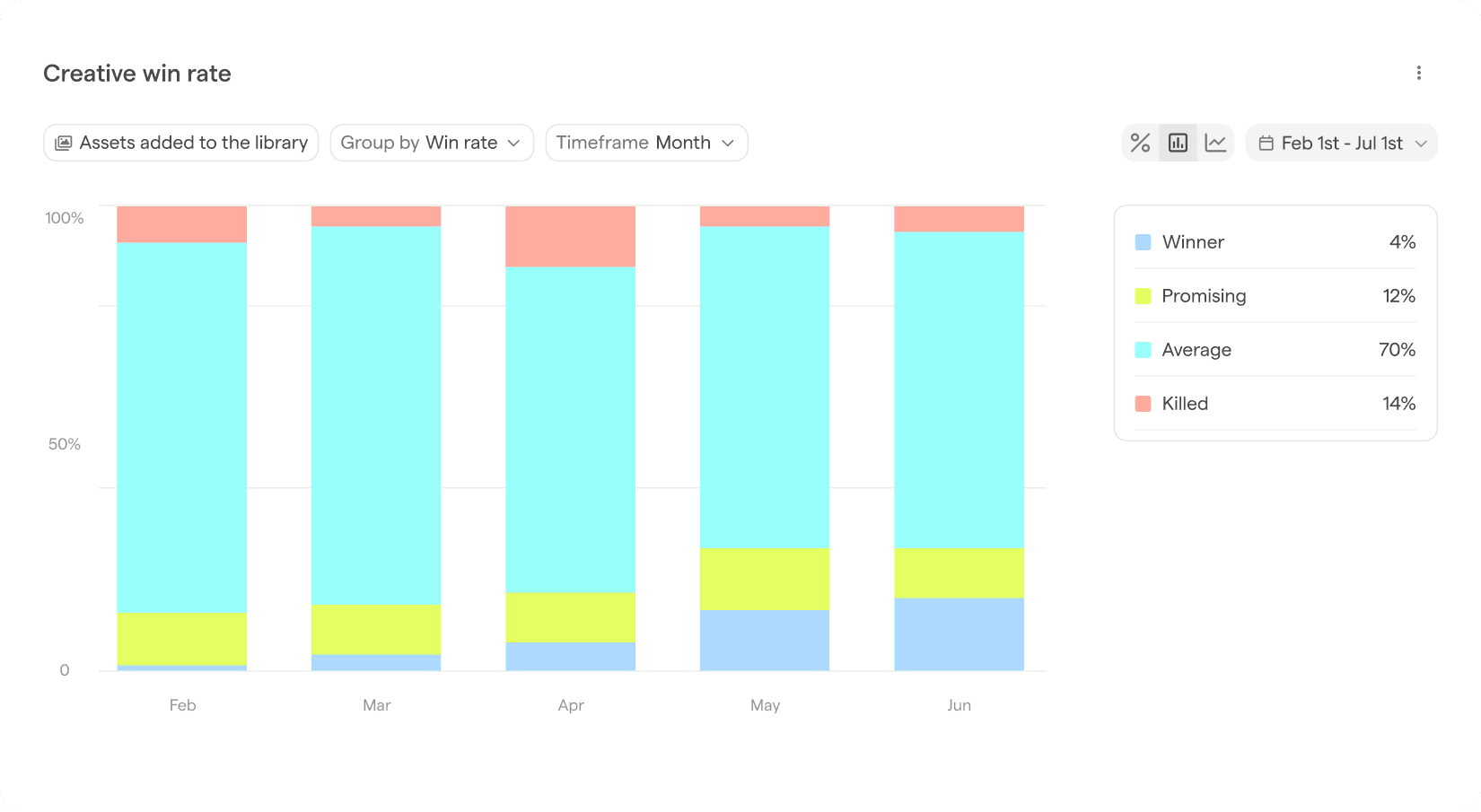
Your team has output targets. Until now, measuring against them mainly meant digging through Drive, a Monday board, a half-updated tracker, and Ads Manager to come up with an estimated total creative count, without chances for further breakdowns or insights.
Focal Production Reports tracks how much creative your team produced over any period and breaks it down by the things that matter, such as:
Language
Format
Style
Hook
Production partner (creative agency, creator, designer, etc.)
It reads straight from the assets in your library using the tags Focal already applies automatically, so nothing needs to be logged by hand.
It also goes a level beyond a headcount of assets. Because Focal sees the whole production process, the report shows how much work went into each asset, like the number of versions and comments it took to get from brief to live ad.
You can see that one agency needs three rounds to land a concept while another lands it in one, then combine that with performance data to decide who's actually worth the spend.
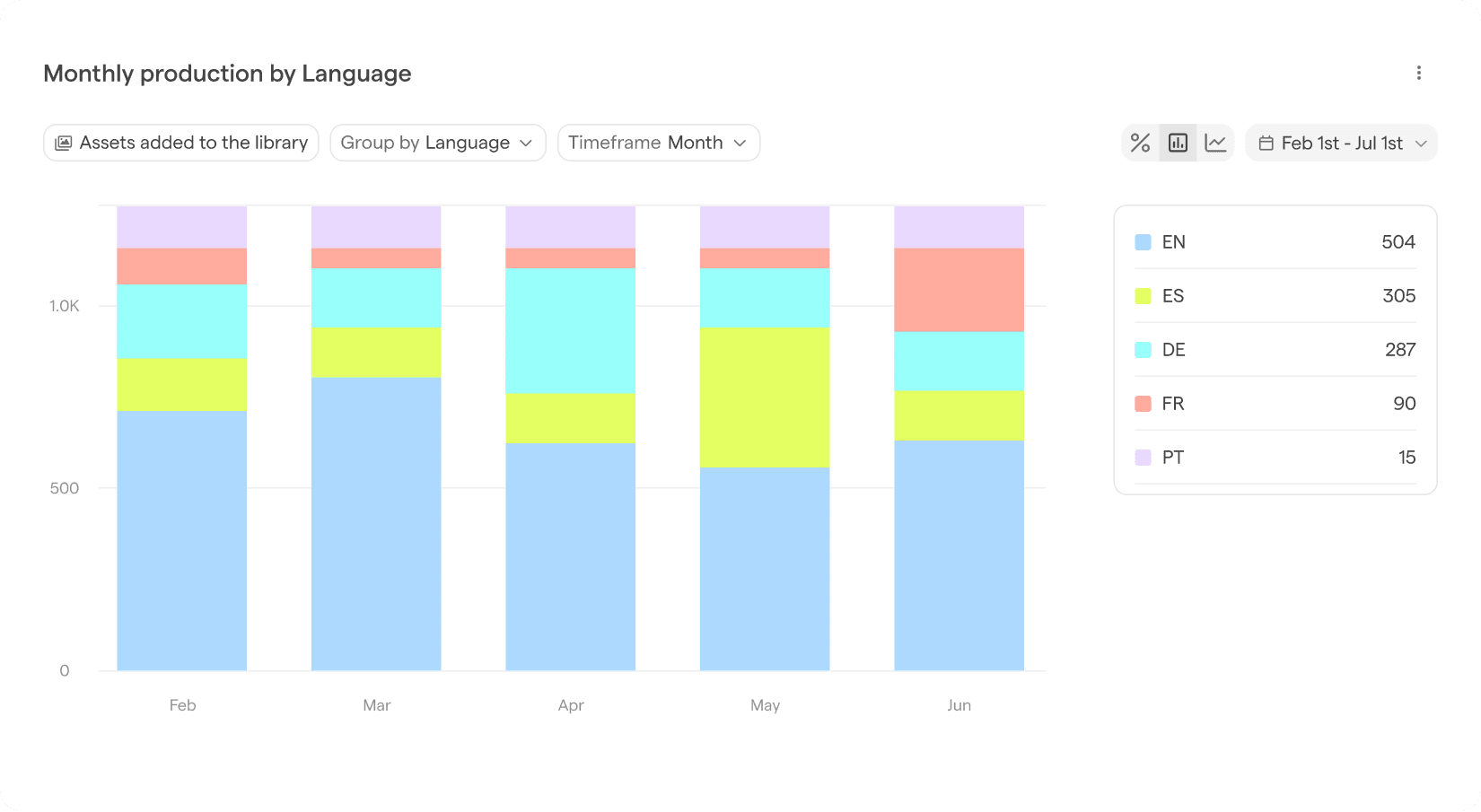
What you can do now:
Track output over any period: week, sprint, month, or quarter
Break production down: by category, format, style, hook, or production partner
See the mix at a glance: video versus static, how many hooks were tested, where production is concentrated
Gauge the effort behind each asset: versions and comments, so you can see how much iteration an asset (or an agency) really takes
Production Reports is live for all Focal customers today. Open the Reports tab to see your team's output.