Automate manual chores stealing time from your creative operations. Save hours per week on asset management, naming, tagging, ad channel uploads and more.

AI for creative asset management
Tag and name assets automatically
Focal's AI starts when an asset lands in your library. Every creative is tagged by format, themes, visual content, text on screen, aspect ratio, and more. And all of it is easily searchable.
There is no need for manual naming either. Set up a convention using the asset data, visual contents and tags – every asset follows the rules automatically.

AI for asset enrichment and analysis
Enrich everything with AI autofill
Focal's AI system allows you to easily add new fields that populate according to AI prompts. Create ad copy variants or translations, categorize hooks, analyze video transcripts and scenes and more.

Production automation
Save hours of production time with Workflows
Set up rules to automatically handle manual creative production processes like sorting assets, uploading creative to ad platforms, sending review requests and other Slack notifications and more.
For more advanced automation, you can send data and files to/from Focal via our API and use AI nodes to format data.
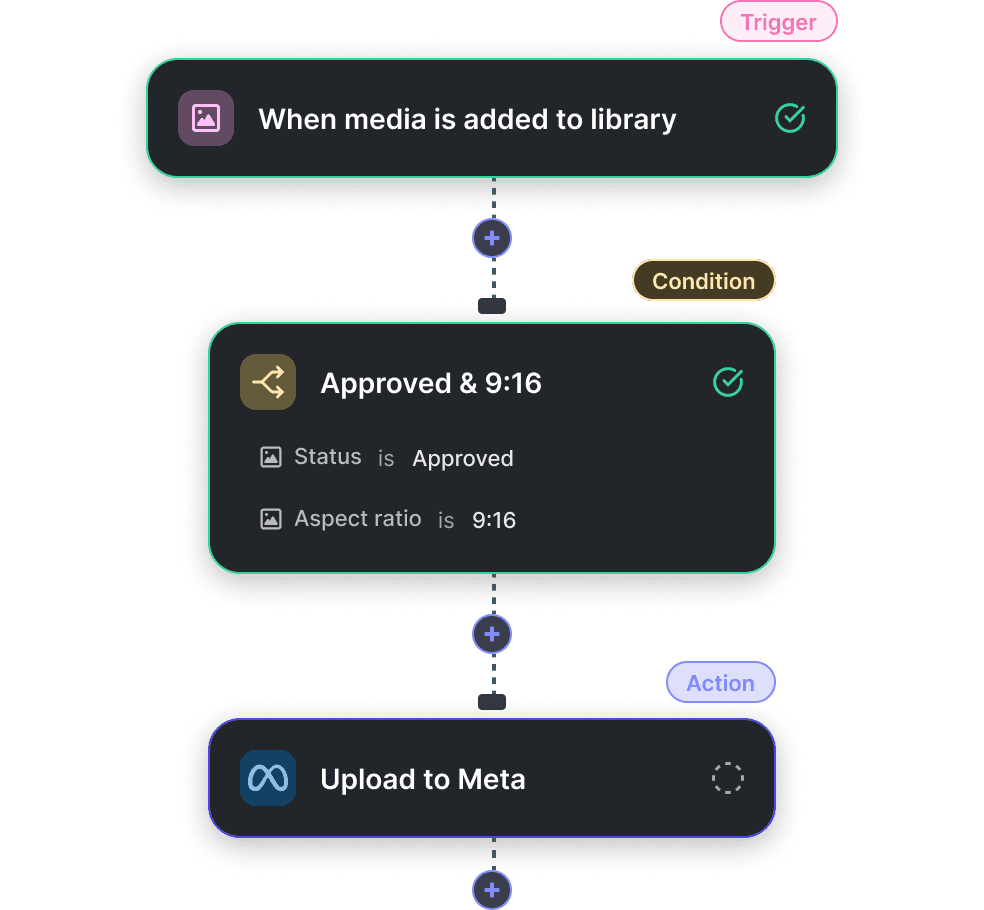


Automate chores with Workflows

Get rid of manual uploads. When a creative gets approved or moved to a specific folder, Workflows can push it directly to your ad accounts.
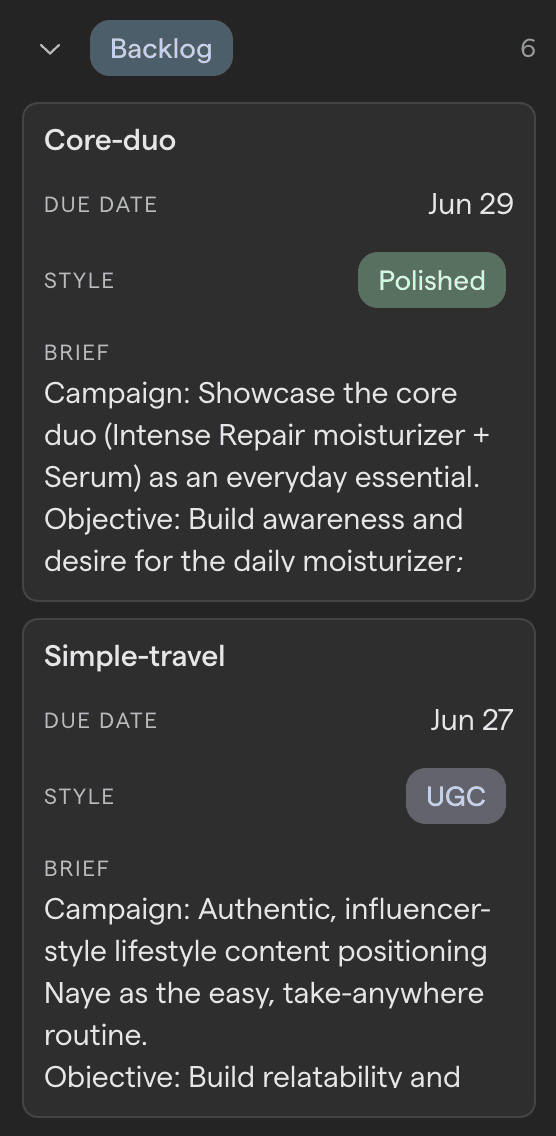

Pass data and files in and out of Focal with the API. For example, import a brief from a third-party tool into Focal and create tasks from it automatically.
With Workflows, AI reasoning is a native step will full creative context. It can understand AI autofills, metadata, labels, and the actual visuals in the asset.
When a task is completed, produce a short summary to post to Slack.
Describe a set of uploaded assets for the media buyer.
Surface stalling items and post an alert before the delay becomes a problem.

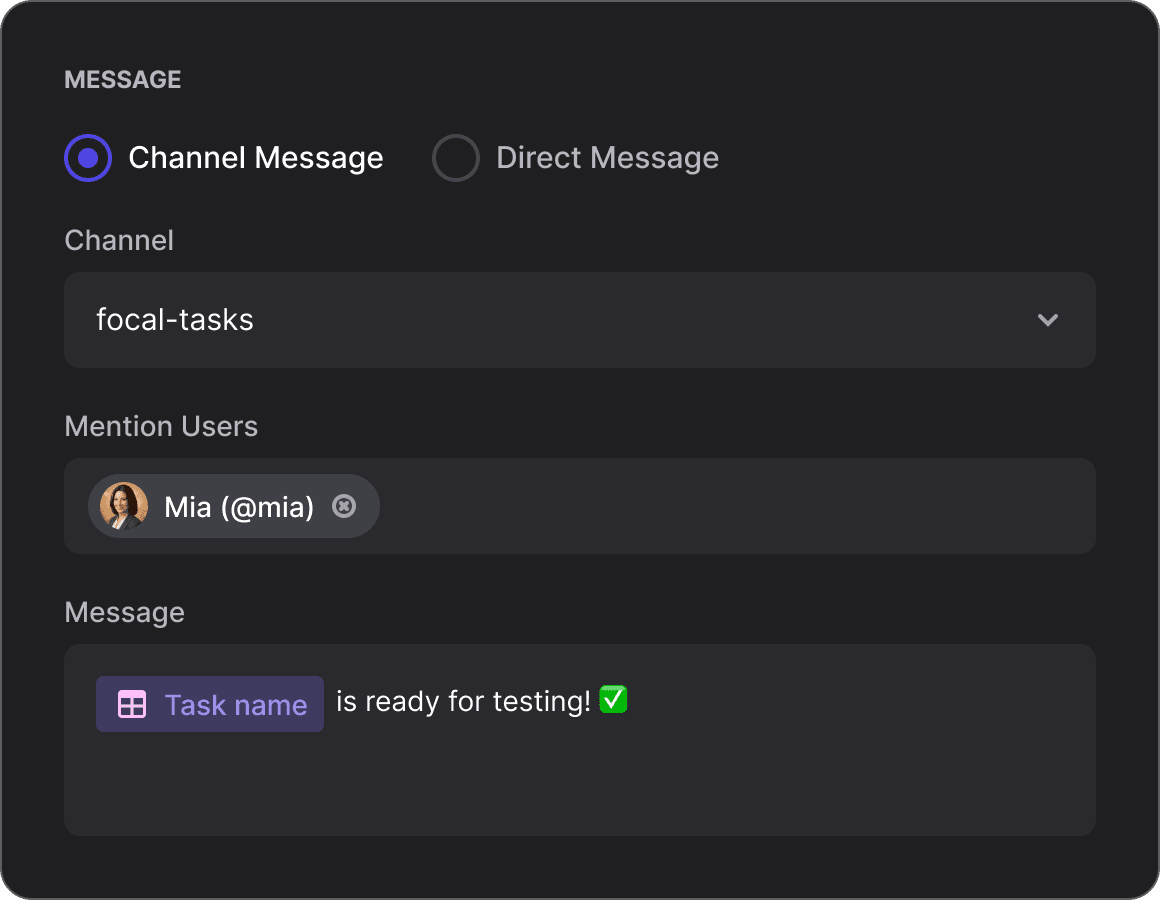

You can build custom Slack notifications based on any trigger so relevant users get alerted with as much detail as you want, for example when a key event occurs or something is delayed.

Apply labels to assets based on a number of conditions. For example, automatically tag creative assets that performed the best when used in Meta ads.
