
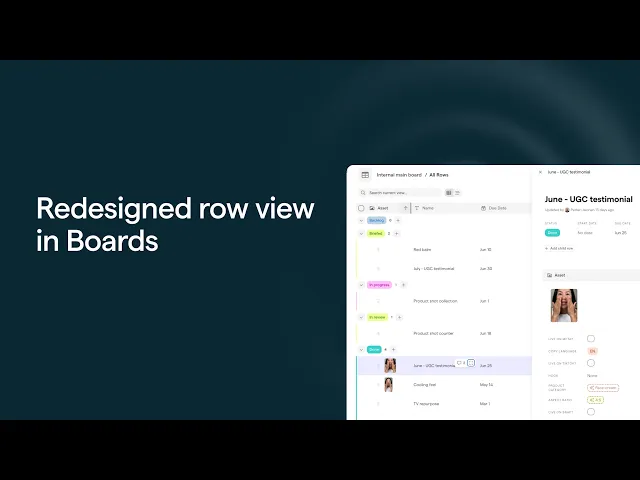
Redesigned row view in Creative Boards
The full page row view has been rebuilt from the ground up to make individual rows easier to work in and now also includes a sidebar option.
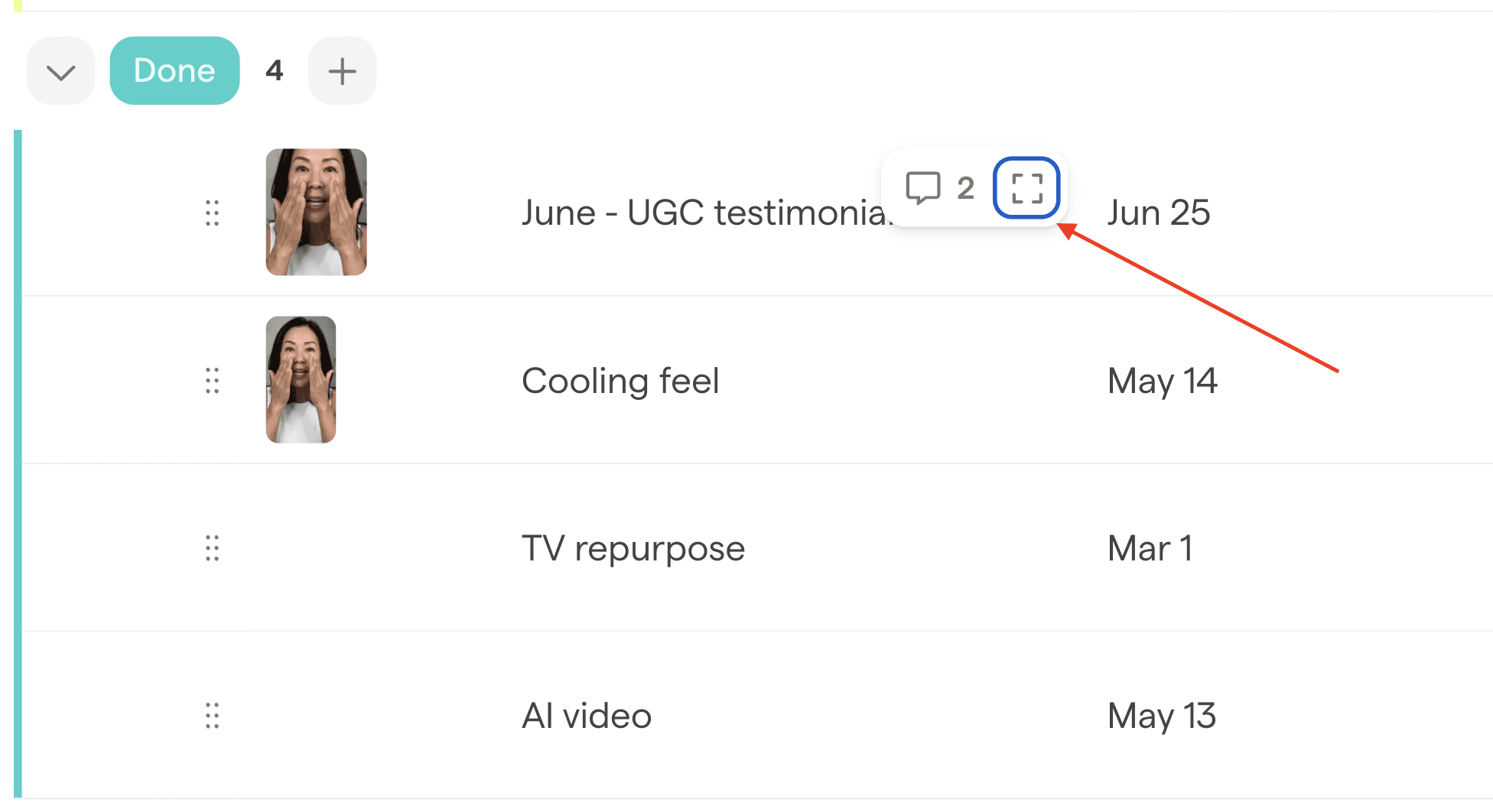
Open it via the icon in the top right of any row. From there, a collapsible sidebar lets you keep context while you work — adjustable in width and dockable to the side when you need more space.
The layout puts the most important information first: timeline and status at the top, media front and center, then attributes in a cleaner, grouped format below. Briefs are easier to read, and comments, automation history, and linked files are all accessible from the same view — no switching tabs.
A few other things you can now do directly from the full page view:
Navigate between rows without closing the view
Duplicate or archive rows in one click
Share a direct link to the view — useful for sending to designers or approvers who can open it straight in the viewer
Add child rows in bulk and edit key fields without going back to the grid