ClickUp vs. Focal
ClickUp is a strong, flexible task manager. Focal is built specifically for ad creative production and asset management: tagging, channel uploads, and performance.

ClickUp is genuinely flexible and feature-rich. One creative agency ran their whole operation on it (with the help of a few other tools): creative tasks, client reviews, invoicing and training before switching to Focal and cutting delivery time from five weeks to two. In their own words: "Focal is what ClickUp should be."
A powerful, flexible task manager is still a partial fit for ad creative
ClickUp earns its reputation for flexibility. It's genuinely customizable, integrates with nearly everything, and teams stretch it to cover project management, CRM, documentation, even personal task tracking — G2 reviewers describe replacing a number of other tools with it.
One real customer of ours, BeHuman, a performance creative agency, ran their operation on ClickUp before switching. However, they needed 4 additional tools on top to make it work. In their case, ClickUp was used for project management and invoice tracking, Google Drive for file storage, Frame.io for client reviews, and Notion and Figma for briefs and documentation.
But that same agency, and others we've spoken with while evaluating both tools, kept mentioning the same issue. BeHuman's founder put it plainly: if you're just using ClickUp, "I just don't think it works in the same sense of being able to see the visuals, see all the briefs, see everything."
A mobile gaming and app company that evaluated both platforms in detail wanted a direct connection between their creative tool and Meta, describing what they needed as "ClickUp, but on steroids", because ClickUp itself has no native ad-platform connections. A separate evaluation for a large mobile studio specifically asked for "a Frame.io equivalent, an annotation tool or markup tool, proofing" alongside ClickUp, because reviewing the actual creative isn't something ClickUp does natively.
Focal is built around the creative asset itself. Everything is tagged automatically by what it actually shows, previewed natively including frame-level video scrubbing, reviewed and annotated in place, and uploaded directly to Meta, TikTok, and YouTube with performance data connected back to it. The visual assets live natively inside the production management view, not as separate attachments.
Choosing the right tool for your team
Choose ClickUp if… | Choose Focal if… |
|---|---|
|
|
What creative and marketing teams say after using ClickUp
ClickUp's reviews are strong on ease of use and flexibility (>4200 and >3200 mentions respectively at the time of writing). Common complaints include feature overload and missing basics like subfolders (>2000 mentions). We also read through reviews from creative agencies, marketing roles, and campaign managers specifically to get a better idea of its suitability for creative work.
ClickUp has real, measurable value for marketing campaign management: "This implementation has led to a 66% reduction in time spent in status meetings and a 25% boost in overall team productivity, driven by standardized templates... we've saved hundreds of hours annually and achieved a full ROI in under six months." — G2 reviewer, Global Head of Events
One creative tech agency using ClickUp purely for task tracking: "ClickUp helps me track every task and project status, preventing duplicate work. It's great for managing varied projects, from Development, branding, web design and video editing." — G2 reviewer, Customer Care Representative, creative tech agency
On automation not being clean enough to trust without extra work: "The automation integrations for example Zapier don't easily get the needed information cleanly." — G2 reviewer, Marketing
On the genuine visual planning tools worth crediting: "Designers can add branding to the whiteboard and have it available and accessible to all employees. From there, so much creating and collaborating happens." — G2 reviewer, Marketing and Advertising
ClickUp is clearly powerful, flexible, and capable of real, measured wins for marketing teams. It's just built for tracking and coordinating work broadly, not for holding, tagging, reviewing, or launching the creative asset itself, which shows consistently whether we're hearing it from our own customers, prospects evaluating both tools, or ClickUp's own reviewers.
What teams using Focal say
At the time of writing, Focal sits at 4.7/5 on G2. Where ClickUp's creative-adjacent reviewers describe a flexible task manager that references the work, Focal's reviewers describe the asset itself living in the platform.
On tagging and naming happening automatically instead of by hand: "My favorite part is the automation features, especially auto-renaming, which saves everyone hours and keeps things consistent and tidy. The AI-automated tagging is amazing too—it really helps with creative insights and reduces manual work." — G2 reviewer, Senior Marketing Animator
On the full path from asset to live channel, in one place: "It helps us to get a clear process for creatives, from storing them to naming them and pushing them to Meta." — G2 reviewer, Marketing and Advertising
Focal's reviewers are just as direct about where things are still improving, including that AI tagging isn't fully reliable on every account yet — the same honest standard we've held ClickUp to throughout this research.
Another review praised Focal's collaboration capabilities as follows:
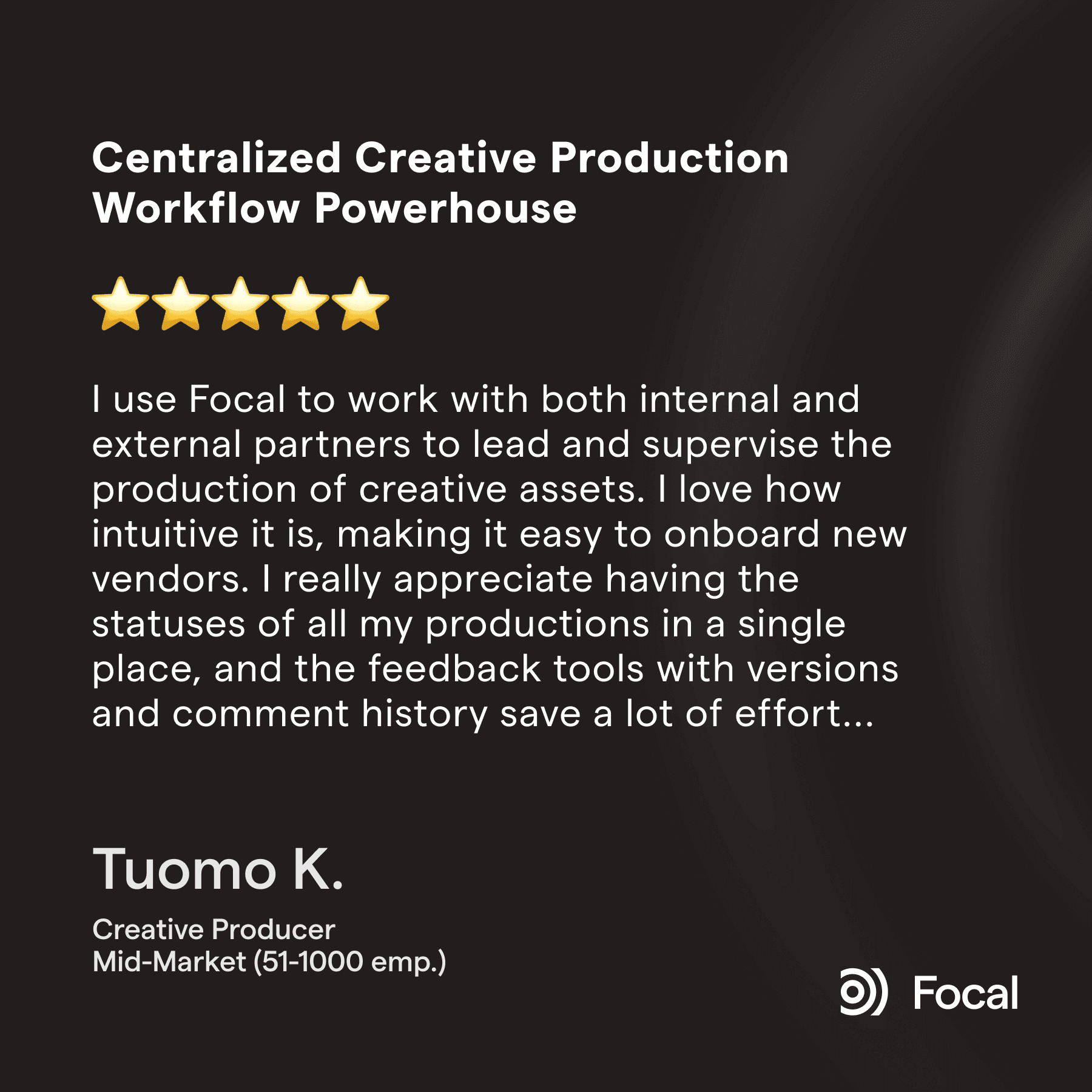
Focal also gets consistent praise for streamlining creative work:

Comparing ClickUp and Focal features
| Focal | |
|---|---|---|
Native visual asset preview and brief visibility | Task/board-based — a real agency customer described it as not built to "see the visuals, see all the briefs, see everything" | Visual by default — assets upload and preview directly on the board |
Native creative review and annotation (proofing) | Not available — teams evaluating ClickUp for creative work have specifically asked for "a Frame.io equivalent" alongside it | Native, frame-by-frame annotation on the asset |
AI tagging, searchable by visual content | Not available — AI features focus on text and task summarization | Yes, on all plans |
Meta, TikTok, YouTube channel uploads | Not available — teams have specifically wanted a direct API connection ClickUp doesn't offer | Native, direct upload |
Performance data connected to the asset | Not available | Yes |
Asset organization: Focal's asset library tags every creative automatically by what it actually shows, with visual and natural-language search built in. ClickUp organizes work by task, list, and custom field — genuinely powerful for project data, but finding a specific creative still means locating the task it's attached to.
Creative review and feedback: ClickUp supports comments and task-based collaboration, and its whiteboard and mind-mapping tools are real, visual planning features that most general PM tools don't offer. But none of that is frame-by-frame review of the asset itself; teams evaluating ClickUp for creative work have specifically asked for proofing capability it doesn't have.
Custom tagging and naming: Focal applies your own taxonomy automatically on upload and enforces naming conventions without anyone typing them in. ClickUp's custom fields are powerful for task metadata, but reviewers note they get messy at scale and aren't searchable the way content-aware tags are.
Channel uploads: This is the sharpest gap. Focal uploads approved creative directly to Meta, TikTok, and YouTube, with performance data connected back to the asset. ClickUp has no equivalent — evaluators have specifically asked for this exact capability and not found it natively available.
Automation: ClickUp's automations are real and useful for task routing, and several reviewers rely on them daily. But reaching creative-specific automation — auto-tagging, auto-renaming, triggering a channel upload — typically means bridging out to Zapier, and even then, reviewers report the data doesn't always come through cleanly. Focal's automation covers exactly those creative-specific actions natively.

At BeHuman, the standard workflow used to look like this: ClickUp for project management, Drive for file storage, Frame.io for client reviews, and Notion and Figma for briefs and documentation. 5 separate tools with 5 sets of logins meant there were 5 separate places for something to fall through the cracks, and for crucial context to get lost in one tool over the other. BeHuman started migrating to Focal, and within a month every other tool in their stack was gone, and monthly revenue increased by ~100% thanks to the increased efficiency.
FAQ
Q: What is the difference between Focal and ClickUp?
ClickUp is a highly customizable, feature-rich task and project management platform used across many types of teams. But ClickUp doesn't hold the creative asset itself the way Focal does: assets aren't tagged automatically, there's no native frame-by-frame review, and there's no direct upload to Meta, TikTok, or YouTube. Focal is built specifically for ad creative, with the associated tasks, asset, tags, review, and channel upload all in the same place.
Q: Does ClickUp have native creative review and proofing tools?
Not in the way a creative team needs. Teams evaluating ClickUp for ad creative work have specifically asked for "a Frame.io equivalent, an annotation tool or markup tool, proofing" — meaning ClickUp itself doesn't provide frame-by-frame review on the asset. Focal has native, frame-by-frame annotation built directly into the creative.
Q: Can ClickUp upload ad creative directly to Meta, TikTok, or other ad platforms?
No. Teams evaluating ClickUp for performance advertising have specifically wanted a direct API connection to ad platforms like Meta that ClickUp doesn't offer natively. Focal has native, direct-upload integrations with Meta, TikTok, and YouTube, with performance data connected directly to each asset.
Q: How much faster is Focal than ClickUp for a creative agency?
One creative agency that migrated from ClickUp (along with Frame.io and Notion) to Focal cut their delivery time from five weeks to two weeks. The change came from consolidating briefing, internal review, client revision, and delivery into one board, instead of five separate tools and logins.
Q: Can ClickUp and Focal be used together?
Yes, for teams not ready for a full migration. You can keep ClickUp for general operations across departments while running the ad creative operation specifically through Focal.
Petteri Jalonen
