Google Drive vs. Focal
Google Drive stores files. Focal stores, tags, reviews, and connects ad creative to performance and channel uploads.

Google Drive stores files. It has very little understanding if what's in them, can't tell you which version is approved, and won't get an ad anywhere near Meta or TikTok on its own. Focal is built around the ad creative itself — tagged automatically, reviewed in place, and connected directly to performance and channel publishing.
A general-purpose file storage solution is only a partial fit for managing ad creative
Google Drive is where almost every team's creative assets start out, and for good reason: it's free or cheap, everyone already has it, and it's fine for a handful of files shared among a small team. The collaboration features are also extremely useful for writing out word documents or building spreadsheets and presentations.
But when it comes to ad creative work specifically, there are challenges because Drive was built with file storage and text document collaboration as the main use cases. When you have dozens of near-identical creative variants per brief, naming conventions that need to apply to hundreds of files, an approval status that needs to be visible at a glance, and need to upload all of those assets to multiple ad platforms, you will start struggling.
Design-focused publications document this gap in detail even outside of advertising specifically. Drive shows "No preview available" for common design formats like Sketch, InDesign, and Illustrator files, forcing a download just to see what's inside. Search is filename-only, with no understanding of what an asset actually shows. And the effects compound at scale: one analysis found that 16.5% of workers create new content simply because they couldn't find a similar asset that already existed.
Focal is built around managing creative assets from the start: tagged automatically by what it actually shows, named according to your own convention without anyone typing it in, reviewed and approved in place, and pushed directly to Meta, TikTok, and YouTube with performance data connected back to it.
Choosing the right tool for your team
Choose Google Drive if… | Choose Focal if… |
|---|---|
|
|
Or use both: Focal has a full two-way sync with Google Drive, so teams with years of existing folder structure don't have to abandon it. Assets can flow into Focal from Drive to get tagged and organized automatically, and approved assets can sync back out for anyone who still needs them there.
The gap between Drive and real creative asset management is well documented
Google Drive doesn't have a creative-specific review base the way a dedicated tool would, so instead of quoting G2 reviewers, this section draws on design-industry publications and real reviewer feedback from Capterra, plus what we've seen directly working with teams still on Drive.
On visual work living in a tool that can't show it: "Design is visual, but Google Drive is not." A design-industry analysis documents designers clicking through folders repeatedly just to identify the right file version, since Drive shows only filenames and generic icons, with no visual context at all.
On search breaking down at scale, from real Capterra reviewers: "The search function can sometimes be frustrating when you have similar named files created by different team members," and "Drive can become surprisingly difficult to organize" once a team accumulates years of projects.
What we've seen directly: teams that store years of ad creative in Drive consistently lose their institutional memory the moment the person who built the folder structure moves on — there's no tagging, so the only way to find what was tested before is to already know where to look. And the handoff into ad platforms rarely happens straight from Drive; it's almost always a manual download-then-upload step, or a separate paid tool bolted on just to close that gap.
None of this makes Drive a bad product. It's an excellent, ubiquitous file store. It's just not built to be where ad creative gets tagged, approved, or launched, and every source here, from designers to Capterra reviewers to a company that built its business around one specific handoff, points at the same shape of problem.
What teams say after switching to Focal
At the time of writing, Focal sits at 4.7/5 across 12 G2 reviews. Where the sources above describe files sitting in Drive with no tagging, no search, and no ad performance data, Focal's reviewers describe exactly the parts Drive is missing.
On tagging and naming happening automatically instead of by hand: "My favorite part is the automation features, especially auto-renaming, which saves everyone hours and keeps things consistent and tidy. The AI-automated tagging is amazing too—it really helps with creative insights and reduces manual work." — G2 reviewer, Senior Marketing Animator
Here's another excerpt from our G2 reviews that illustrates Focal's value add well. Link to the full review.
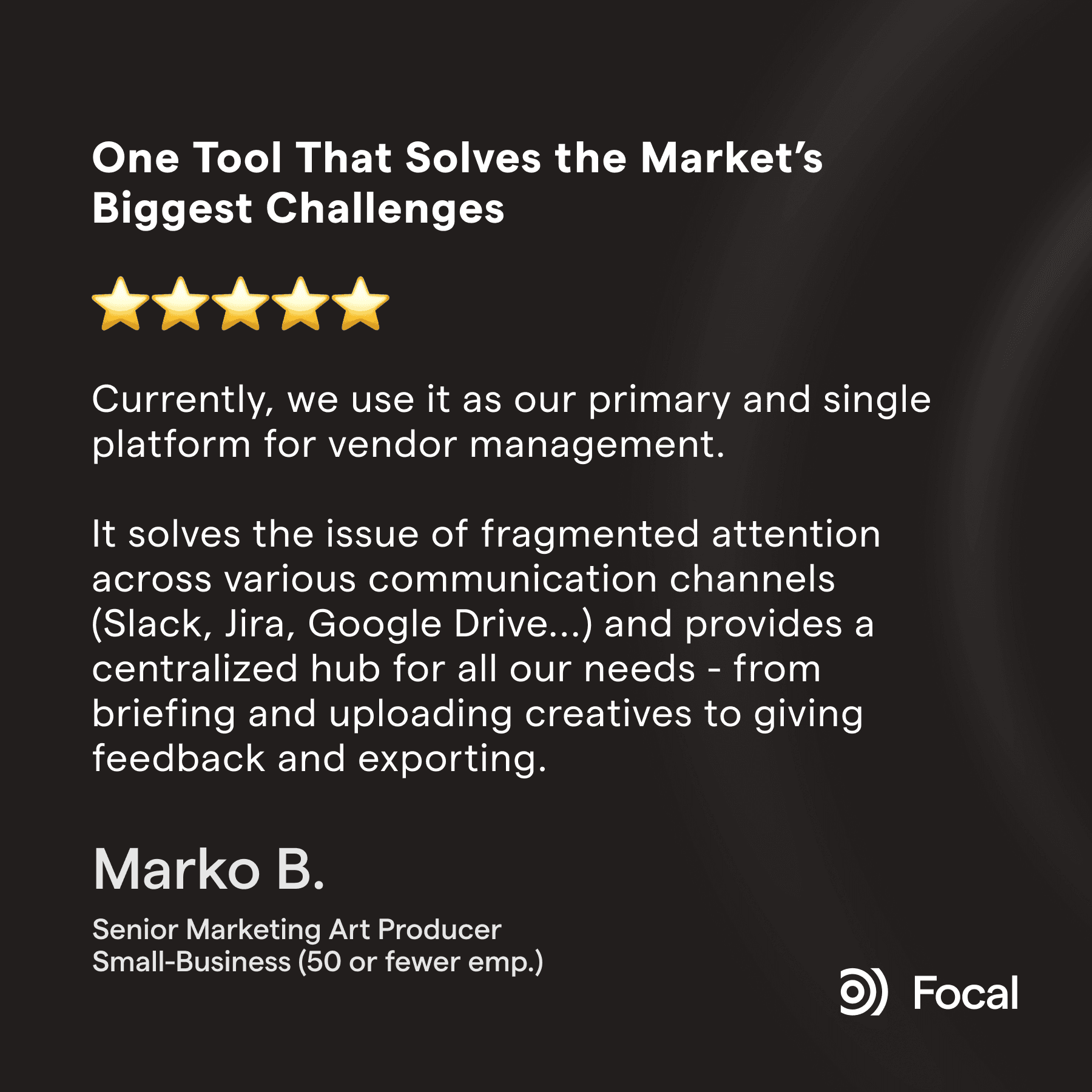
On not losing assets to an unsearchable pile of files: "It's also great for naming assets very thoroughly." — G2 reviewer, Small-Business
On the whole path from storage to a live channel: "It helps us to get a clear process for creatives, from storing them to naming them and pushing them to Meta." — G2 reviewer, Marketing and Advertising

Comparing Google Drive and Focal features
Asset organization: Focal offers a robust, AI-powered search engine and smart filters that make it easy to find and organize assets. In contrast, Google Drive's search capabilities are less advanced and may not be as efficient for managing a large number of creative files.
Collaboration and feedback: Focal allows team members to leave comments, annotations, and actionable feedback on creative assets, streamlining the review process. Google Drive does not offer built-in annotation or review tools for creative assets, which can make collaboration more challenging.
Custom tagging: Focal allows users to add custom tags to creative assets following their own taxonomy, automatically with AI, making it easy to categorize and find specific assets quickly. Google Drive does not have a custom tagging feature, which can make it harder to locate specific files in a large repository.
Media mockups: Focal provides media mockups that enable users to preview their creatives in their native environments. Google Drive does not offer media mockup functionality, which can make it difficult to visualize how creatives will appear in different ad formats.
Integrations: While both Focal and Google Drive offer integrations with popular tools, Focal's integrations are specifically tailored to creative workflows.
| Focal | |
|---|---|---|
AI tagging, searchable by visual content | Not available — search is filename-only | All plans |
Native preview for creative file formats | Limited | Yes, including frame-level video scrubbing |
Automated naming convention enforcement | No — naming relies entirely on manual discipline or custom scripts and 3rd party solutions | Yes |
Approval status on the asset itself | No — no way to flag an asset as approved or campaign-specific. Requires e.g. a separate spreadsheet | Yes |
Meta, TikTok, YouTube channel publishing | Not available — requires a separate bridging tool | Native, direct push |
Performance data connected to the asset | Not available | Yes |
Institutional memory (searchable after a team member leaves) | No — described as "digging through" folders with nothing structured to search | Yes — everything stays tagged and searchable |

The Longevity Store is a rapidly growing longevity brand that sells to over 25 countries. They needed a flexible tool that manages large creative production operations and asset volumes, in multiple languages so they migrated from a fragmented stack of multiple tools to Focal.
FAQ
Q: What is the difference between Focal and Google Drive?
Google Drive is general-purpose cloud file storage. It stores whatever you put in it, but has no concept of tagging by visual content, no native preview for most design file formats, no approval workflow, and no way to publish directly to ad channels. Focal is built specifically for ad creative: every asset is tagged automatically on upload, previewed natively, reviewed and approved in place, and pushed directly to Meta, TikTok, and YouTube with performance data connected to it.
Q: Can Google Drive be used as a digital asset management (DAM) system?
Not really, and this is well documented outside of ad creative specifically. Design publications report that Drive shows "No preview available" for common design file formats, has no image-based or visual-content search, and has no way to flag an asset as approved or brand-compliant. One analysis found 16.5% of workers create new content simply because they couldn't find a similar asset that already existed, and 77% of brands admit to producing off-brand content as a result of this kind of asset sprawl.
Q: Does Google Drive work for launching ads directly?
No — Drive has no native publishing integration with Meta, TikTok, or other ad platforms. This gap is well known enough in the industry that entire third-party products exist just to bridge it. Focal has channel uploads built in natively, so no bridging tool is needed.
Q: What happens to naming conventions in Google Drive at scale? T
hey tend to break down. Without automated enforcement, naming conventions in Drive rely entirely on manual discipline — filenames like "final_v2_final.png" proliferate, and folder structures degrade into unmaintainable paths as a team's asset library grows. Focal applies naming conventions automatically to every asset based on its tags, so the convention holds regardless of who's uploading or how much volume the team is producing.
Q: Can Google Drive and Focal be used together? Yes — Focal has a full two-way sync with Google Drive, so teams already invested in Drive folder structures don't have to abandon them. Assets can flow from Drive into Focal to get tagged and organized automatically, and approved assets can sync back out to Drive for teams or stakeholders who still need them there, without anyone manually re-uploading files.
Petteri Jalonen
