Jira vs. Focal
Jira was made for dev tickets, nor marketing. Focal is where ad creative work lives — assets, tags, review, and production tasks connected to performance.
Jira is built for developers to track tickets. Creative and marketing teams often end up using it anyway because it's the company standard, not because it fits the work. Focal is built specifically for ad creative project management: the asset itself lives in the platform, tagged, reviewed, approved, and connected to performance, instead of a ticket that just points to a file somewhere else.
Software project management and creative production are very different tasks
Jira is, by a wide margin, the industry standard for software development teams. It offers sprint planning, bug tracking, backlog management, deep integrations with GitHub and CI/CD pipelines. Reviewers who use it for its intended purpose are consistently positive about it, and it's genuinely excellent at that job.
Creative and marketing teams end up on Jira too, but rarely by choice. As one marketing reviewer in our research put it, Jira is "often the standard project management tool when you start at a software company," so every department ends up on it already, avoiding the friction of getting another team to adopt something separate. It causes teams that never needed Jira's development-grade rigor to get stuck configuring workflows, custom fields, and permission schemes meant for engineering, just to track a marketing campaign.
The deeper problem is structure. A Jira ticket is text, comments, and links and maybe some file attachments. Reviewers in design roles describe linking out to Figma rather than the creative living in a meaningful way in Jira itself.
One designer specifically asked for "a more visual or flexible way to organize creative work — like moodboards or visual task previews," something the ticket model has no answer for. One detailed reviewer put the mismatch even more bluntly, describing Jira's "rigid state machine" as failing to reflect "the messy, non-linear reality of brainstorming and iteration."
We've seen this play out at real scale: an app portfolio customer running 20+ apps, producing thousands of ad creative assets a month, ran production through Jira for tasks and Google Drive for files, with no sync between the two. Every asset had to be uploaded twice, once to Jira and once to Drive, by hand. Naming conventions differed app to app, so producing one brief's worth of variants meant manually renaming dozens of files to match whichever convention applied that day.
Focal is built around the creative assets and managing creative production specifically. Every creative is tagged automatically on upload, reviewed and approved visually in place, and pushed to Meta, TikTok, and YouTube with performance data connected directly to it. The whole brief-to-launch cycle happens in the same platform.
Choosing the right tool for your team
Choose Jira if… | Choose Focal if… |
|---|---|
|
|
Or use both: This is a very common setup, and one we've seen work in practice: engineering keeps Jira for development, while the creative or performance marketing team runs the ad creative operation through Focal. Some teams even replicate new Jira tickets into Focal automatically with Focal Workflows, so production stays in sync without anyone duplicating work by hand.
What creative and marketing teams say after using Jira
Jira's G2 reviews are overwhelmingly about agile planning, issue tracking, and developer-toolchain integrations. It's a massive, well-loved product for that audience. To better understand fit for creative work, we read specifically through reviews from designers, marketers, and creative-adjacent roles rather than purely relying on the (mostly engineering) aggregate.
On the core mismatch — from a 7-year power user: "I dislike that it can be too complex for creative workflows and wish it was as seamless as development workflows. This would help bring everyone together as it works so well for our Dev. Team however it's not used by everyone in Marketing." — G2 reviewer, Sr. UX Designer
On the same mismatch, independently, from someone actively using it for marketing work: "Jira has been a dependable tool for managing marketing projects, campaigns, and cross-functional collaboration... That said, it can sometimes feel more tailored to engineering teams than to marketing users." And: "It can feel overly complex for what should be simple marketing workflows." — G2 reviewer, marketing role
On why creative teams end up on Jira in the first place: "a big advantage of Jira is it's often the standard project management tool when you start at a software company. That means most departments from software engineers, to marketing, to finance all use it already. That prevents the nuisance of having to convince another department to come on board to the same shared tool." — G2 reviewer, Marketing Manager
On what's actually missing for creative work — a designer asking for the feature Jira doesn't have: "As a designer, I love that I can track tasks, link Figma files, add context, and keep everything organized in one place." But: "For designers, a more visual or flexible way to organize creative work would be helpful — like moodboards or visual task previews." — G2 reviewer, design role
On the structural mismatch with creative work, described in detail by a technical reviewer: "the tool can come across as a 'surveillance engine,' prioritizing management's need for perfect burndown charts over the team's need for fluid, creative collaboration. Its rigid state machine often fails to reflect the messy, non-linear reality of brainstorming and iteration, creating a disconnect between where work actually happens and where it gets recorded." — G2 reviewer, Technology Officer
On non-technical users struggling with it generally: "I feel like Jira is quite hard to understand. It's very difficult to use, especially because I'm not a software developer." — G2 reviewer, Chief of Staff
On what marketing teams actually use Jira for, even when it "works": Marketing reviewers describe Jira purely for campaign planning, content calendars, and approval status tracking, via "visual boards" that show what's "planned, in progress, and ready to launch." One flagged that "simple marketing tasks can sometimes require more administrative updates than expected, such as changing statuses, updating fields, or linking related tickets".
Jira is an outstanding, industry-standard product for what it was built to do. It's just not built with creative teams in mind, and its own reviewers – across designers, marketers, and technical staff – describe the same structural mismatch in consistently.
What teams say after switching to Focal
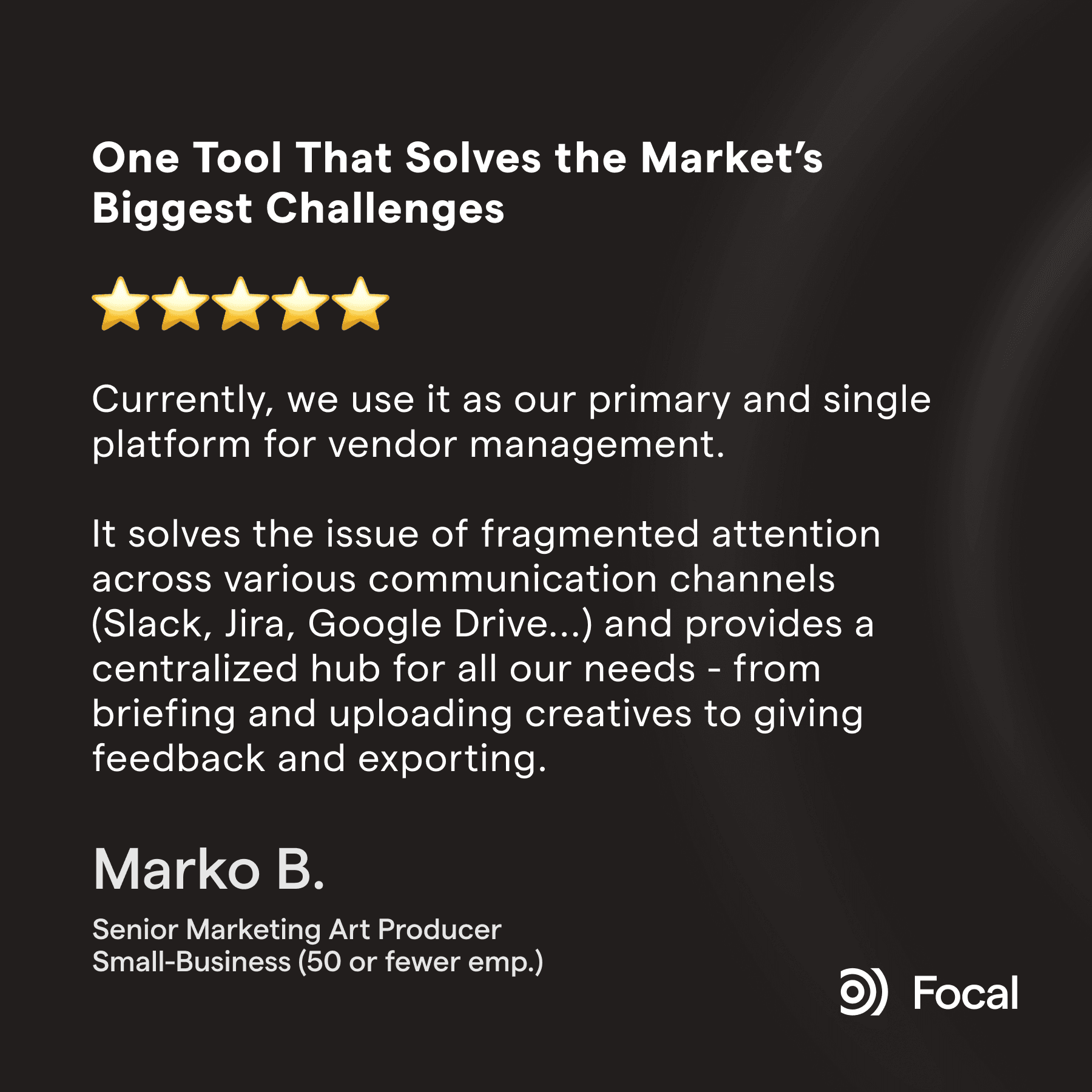
At the time of writing, Focal sits at 4.7/5 across 12 G2 reviews. Where Jira's creative-adjacent reviewers describe a ticket system that references their work without holding it, Focal's reviewers describe the asset itself living in the platform.
On tagging and organization happening automatically, not as a separate manual step: "My favorite part is the automation features, especially auto-renaming, which saves everyone hours and keeps things consistent and tidy. The AI-automated tagging is amazing too—it really helps with creative insights and reduces manual work." — G2 reviewer, Senior Marketing Animator
On the whole creative operation living in one visual place, not a ticket queue: "I really appreciate having the statuses of all my productions in a single place, and the feedback tools with versions and comment history save a lot of effort, and the built-in annotation and reference tools are invaluable for giving precise feedback." — G2 reviewer, Creative Producer
We've seen teams switching from Jira to Focal improve their creative production efficiency and time from brief to live add by well over 50% within a few months. This has been the case consistently, from smaller teams to broader marketing organizations spanning dozens or even hundreds of people.
Comparing Jira and Focal features
| Focal | |
|---|---|---|
Digital asset storage (files live in the platform) | No — tickets hold text and links and some attachments; reviewers describe linking out to files (e.g. in Figma) rather than storing or previewing them | Yes |
AI-powered tagging, searchable by visual content | Not available — Atlassian Intelligence summarizes and searches tickets, not creative content | Yes, on all plans |
Native visual organization for creative work (moodboards, visual previews) | Not available | Yes |
Meta, TikTok, YouTube channel publishing | Not available | Native, direct push |
Fit for iterative, non-linear creative work | Reviewers describe a "rigid state machine" that struggles to reflect "the messy, non-linear reality of brainstorming and iteration" | Purpose-built for this |
Primary audience | Software development teams — reviewers describe it as "more tailored to engineering teams than to marketing users" | Creative and performance marketing teams |
How creative teams typically end up using it | Usually inherited as the company-wide standard, not chosen by the creative team | Chosen specifically for ad creative production |
Performance data connected to the asset | Not available | Yes |

The Longevity Store is a rapidly growing longevity brand that sells to over 25 countries. They needed a flexible tool that manages large creative production operations and asset volumes, in multiple languages so they migrated from a fragmented stack of multiple tools to Focal.
FAQ
Q: What is the difference between Focal and Jira?
Jira is a project and issue tracking tool built primarily for software development teams. Creative and marketing teams often use it too, but usually because it's already the company standard, not because it was built for their work — reviewers describe it as more tailored to engineering than marketing, and its ticket-based model doesn't hold the creative asset itself, only text and links to it. Focal is built specifically for ad creative: the asset lives inside the platform, tagged automatically, reviewed visually, and connected directly to performance data and channel publishing.
Q: Can creative or marketing teams use Jira effectively?
They do, but reviewers who work in creative and marketing roles consistently describe friction: a senior UX designer with 7 years on Jira said it's "too complex for creative workflows" and isn't used by everyone in marketing at her company. A designer separately asked for "a more visual or flexible way to organize creative work — like moodboards or visual task previews," something Jira's ticket model doesn't offer. Marketing reviewers describe using Jira purely for campaign status tracking, never for storing or organizing the creative assets themselves.
Q: Does Jira store or manage creative assets?
Not really. Jira tickets hold text, comments, and links — reviewers describe linking out to files in Figma or elsewhere rather than the files living in Jira itself. There's no AI tagging, no visual asset library, and no way to search creative content by what it actually shows. Focal is built the opposite way: the asset itself lives in the platform, gets tagged automatically on upload, and is searchable by visual content, not just a ticket description.
Q: Why do creative teams end up using Jira if it wasn't built for them?
Usually because it's already the company-wide standard. One G2 reviewer in a marketing role put it directly: Jira is often the default project management tool from day one at a software company, so "most departments from software engineers, to marketing, to finance all use it already," which avoids the friction of getting another department to adopt a separate tool. In practice, this means creative teams frequently inherit Jira rather than choose it, even when it doesn't fit how creative work actually happens.
Q: Can Jira and Focal be used together?
Yes, and this is a common setup. Engineering keeps using Jira for development work, while the creative or performance marketing team uses Focal for the ad creative operation — asset library, tagging, briefing, approvals, and channel publishing. Some teams even replicate new Jira tickets into Focal automatically so production stays in sync without duplicating work by hand.
Petteri Jalonen
