Notion vs. Focal
Notion is a flexible workspace for docs and briefs. Focal is built for ad creative work: tagging, channel uploads, and performance data connected to assets.

Notion is a genuinely flexible, well-liked workspace for docs, wikis, and databases, and plenty of creative teams use it to hold briefs and track production status. It just wasn't built specifically for creative production work or holding the creative asset itself. Focal is: every asset tagged automatically, previewed natively with frame-level video scrubbing, reviewed in place, and uploaded directly to Meta, TikTok and YouTube with performance data connected to it. We compare the two and discuss how they can also work together.
A flexible workspace made text-first vs. a dedicated tool for ad creative
Notion is one of the most-loved workspace tools out there. Reviewers consistently praise its flexibility, ease of use, and (increasingly) its AI capabilities, which shows up across hundreds of reviews discussing drafting, summarizing, and organizing information.
One agency CEO described how its "minimalist UI/UX and flexible databases transformed our agency's workflow," consolidating brand assets, sprints, and client wikis into a single hub and saving the team "over 10 hours per week in coordination time."
But Notion wasn't built around ad creative specifically, and its own reviewers describe this issue in detail. A Senior Associate in Media Planning, describing running an entire team's ad progress, ad copies, and creative assets through Notion, put it plainly: "frequently used features are often hidden, making the UX unnecessarily complex." A marketing team using Notion as "a rolodex of our marketing creative inventory" mentioned that while it does the job, "Notion is not a task management tool and as such it's easy for systems that are not actively maintained to become irrelevant."
Working with creative assets is limited in Notion. Upload a video to a Notion database and there's no frame-by-frame preview, no scrubbing, nothing visual about it at all; it's just a file reference sitting on a page. Multiple G2 reviewers confirm the same thing: one agency reported "performance can also lag slightly when heavy image-rich design pages load simultaneously," and a reviewer managing a database of roughly 600 records called it "heavy and slow to load."
As one reviewer put it more broadly, Notion can create "the illusion of completeness" — everything looks organized, connected, and under control, but that doesn't always make finding or reviewing the actual creative easier, especially at high asset volumes.
Focal is built specifically for ad creative work. Project management and assets live natively in the same view, images and videos are tagged automatically by what they actually show, previews work natively (including frame-level video scrubbing), with reviews and annotations in one place, and approved assets are uploaded directly to Meta, TikTok, and YouTube with performance data connected back on the individual asset level.
Choosing the right tool for your team
Choose Notion if… | Choose Focal if… |
|---|---|
|
|
Or use both. This is a straightforward setup some of our customers use as well: keep Notion as the company-wide knowledge base and documentation hub, and have the ad creative production and asset storage on Focal.
What creative and marketing teams say after using Notion
Notion's aggregate reviews are strong: >4,700 mentions of ease of use, >2,700 of flexible organization. To get a better idea of fit for creative teams, we read through reviews mentioning creative work, advertising, agency operations, and marketing roles, plus general recent reviews.
On running an ad team's creative operation through Notion, from a Senior Associate in Media Planning: "As an advertiser & media buyer notion helm the entire team as a project management software and knowledge base in order to track the ad progress overview the ad copies, ad creative and all the assets. Notion's great for centralizing ad data and collaboration. However, frequently used features are often hidden, making the UX unnecessarily complex." — G2 reviewer, Senior Associate, Media Planning
On Notion as a creative inventory, and its core limitation: "Right now it's main purpose for our marketing team is to be a rolodex of our marketing creative inventory with elevated tagging that makes filtering simple... Notion is not a task management tool and as such it's easy for systems that are not actively maintained to become irrelevant." — G2 reviewer, Consumer Goods, Small-Business
On real value, and a real limit, from an agency CEO: "Its minimalist UI/UX and flexible databases transformed our agency's workflow. The drag-and-drop interface and rich integrations... save us hours each week by centralizing brand assets, sprints, and client wikis into a single hub... Performance can also lag slightly when heavy image-rich design pages load simultaneously." — G2 reviewer, CEO, Small-Business
On the automation and support cost of running Notion at a media company: "Building automations in Notion is cumbersome because the window is tiny, and the API doesn't support using AI tools to build or edit automations, which is a big gripe for me... There's a big learning curve, and the customer support is pretty abysmal. We've had to hire help, which is expensive." — G2 reviewer, Media Production, Small-Business
On performance at scale: "I feel that the database with approximately 600 records is heavy and slow to load." — G2 reviewer
On looking organized without necessarily being useful: "There's the illusion of completeness. It can look like everything is organized, connected, and under control, but that doesn't always translate into something genuinely useful. It's easy to build a beautifully structured system that still doesn't help you decide or act any faster." — Nelson P., ecom specialist, G2 reviewer
Notion's flexibility and ease of use are genuine, widely-praised strengths, and the media planner quote above shows real teams do run creative operations through it. It's just built to hold text-based information about the creative, not the creative asset itself.
What teams using Focal say
At the time of writing, Focal sits at 4.7/5 on G2. Where ClickUp's creative-adjacent reviewers describe a flexible task manager that references the work, Focal's reviewers describe the asset itself living in the platform.
On tagging and naming happening automatically instead of by hand: "My favorite part is the automation features, especially auto-renaming, which saves everyone hours and keeps things consistent and tidy. The AI-automated tagging is amazing too—it really helps with creative insights and reduces manual work." — G2 reviewer, Senior Marketing Animator
On the full path from asset to live channel, in one place: "It helps us to get a clear process for creatives, from storing them to naming them and pushing them to Meta." — G2 reviewer, Marketing and Advertising
Focal's reviewers are just as direct about where things are still improving, including that AI tagging isn't fully reliable on every account yet — the same honest standard we've held ClickUp to throughout this research.
Another review praised Focal's collaboration capabilities as follows:
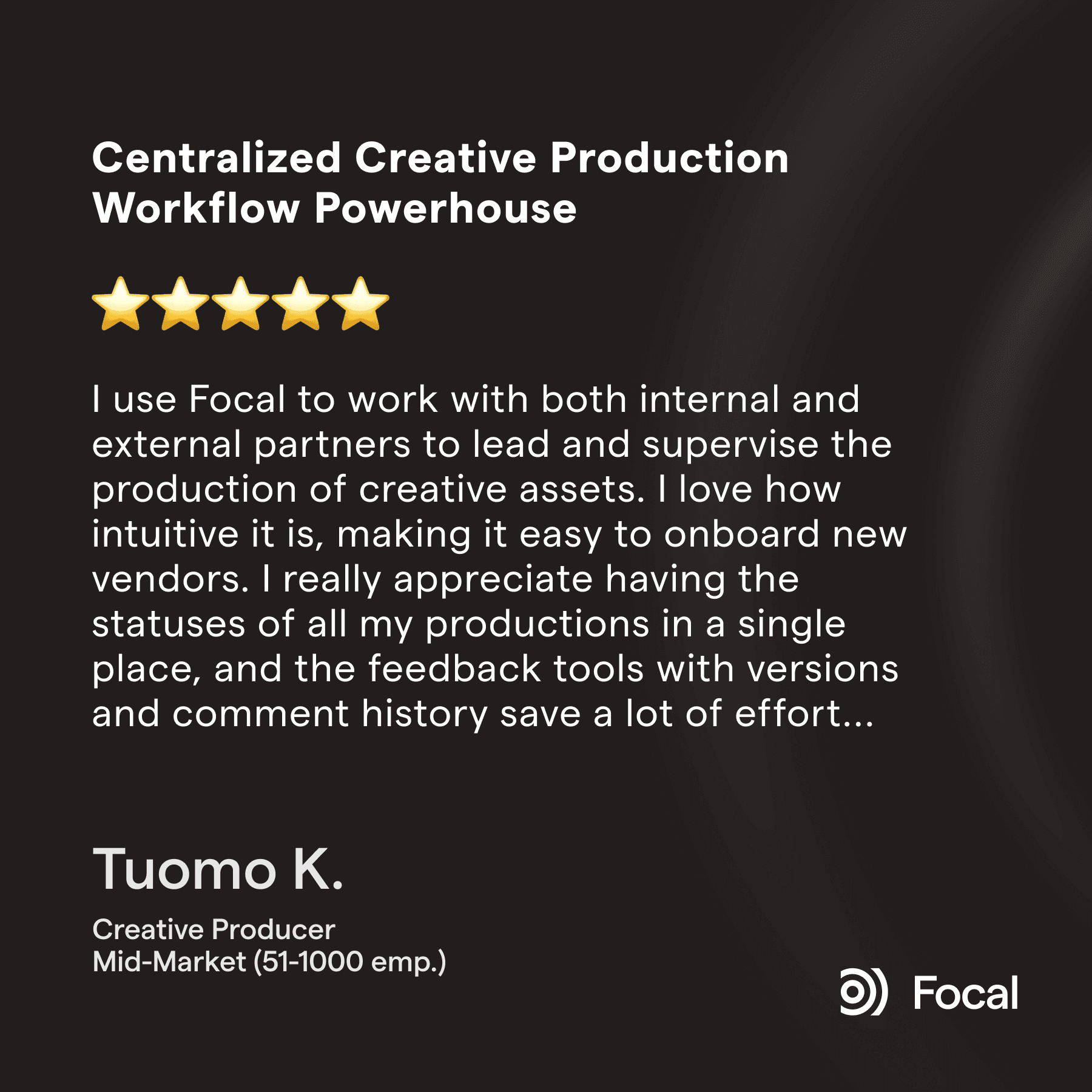
Focal also gets consistent praise for streamlining creative work:

Comparing Notion and Focal
| Focal | |
|---|---|---|
Native visual preview (video, image content) | Not available — files are embedded as references, not previewable frame by frame | Yes, including frame-level video scrubbing and support for playable ads. |
AI tagging, searchable by visual content | Not available — Notion AI works on text, not visual content | All plans |
Meta, TikTok, YouTube channel uploads | Not available | Native, direct upload |
Performance data connected to the asset | Not available | Yes |
Creative review and annotation on the asset itself | Not available — page/text comments only, no frame-by-frame annotation on video or image | Native, frame-by-frame annotation |
Performance as your library grows | Reviewers report pages and databases slowing at a few hundred to a thousand records | Built for high-volume ad creative libraries |
Guest and agency access controls | Reviewers flag permission gaps — one noted a guest "shouldn't need to have access to the main database to see a view" | Dedicated guest views scoped to what a vendor or agency should see |
Asset organization: Focal's asset library uses AI to tag every creative automatically by what it actually shows, with visual and natural-language search built in. Notion organizes information by database and page; finding a specific creative means locating the row it's referenced in and opening the embedded file, which reviewers describe getting slower as the database grows.
Creative review and feedback: Notion's real strength here is text — highlighting a specific part of a brief and commenting directly on that selection is genuinely useful. But that strength doesn't extend to the asset itself: there's no way to comment on a specific frame of a video the way a creative team needs to. Focal's review happens directly on the asset, frame by frame, with full version history in the same place.
Custom tagging and naming: Focal applies your own taxonomy automatically on upload and enforces naming conventions without anyone typing them in. Notion's custom properties are powerful and fully flexible, but they're manual. One marketing team running their creative inventory through Notion described exactly this trade-off: powerful tagging, as long as someone keeps maintaining it.
Channel uploads: Focal uploads approved creative directly to Meta, TikTok, and YouTube, with performance data connected back to the asset at the creative level. Notion has no equivalent at all: it doesn't appear in any of the ~50 reviews read for this page.
Scale and performance: Notion's flexibility is great for documents and smaller databases, but multiple independent reviewers describe the same pattern: performance degrades as pages and databases grow denser (past some hundreds of items). One team manages this by archiving old records into a separate, lighter workspace. Focal's asset library is built for the volume ad creative teams actually produce, without that ceiling.

At BeHuman, the standard workflow used to look like this: Notion and Figma for briefs and documentation, ClickUp for project management, Drive for file storage and Frame.io for client reviews. 5 separate tools with 5 sets of logins meant there were 5 separate places for something to fall through the cracks, and for crucial context to get lost in one tool over the other. Now everything runs efficiently in Focal.
FAQ
Q: What is the difference between Focal and Notion?
Notion is a genuinely flexible, well-liked workspace for docs, wikis, and databases, and creative teams often use it to hold briefs and track production status. But it wasn't built to hold the creative asset itself — one G2 reviewer running a marketing team's creative inventory in Notion put it plainly: it's "not a task management tool," and systems inside it that aren't actively maintained "become irrelevant." Focal is built specifically for ad creative: assets are tagged automatically, previewed natively with frame-level video scrubbing, reviewed in place, and uploaded directly to ad channels with performance data connected to them.
Q: Does Notion work well for ad creative teams?
Some teams do run their creative operation through Notion, and reviewers back up its real strengths: flexibility, ease of use, and genuinely useful AI for drafting and organizing text. But reviewers in advertising and creative roles specifically describe its limits for this use case. One Senior Associate in Media Planning, describing using Notion to track ad copies, ad creative, and assets, said "frequently used features are often hidden, making the UX unnecessarily complex." Others note that as a database grows, pages "start to lag," and files aren't visual in the way ad creative needs to be reviewed.
Q: Can Notion upload ad creative directly to Meta, TikTok, or other ad platforms?
No. Notion has no native upload integration with ad platforms like Meta, TikTok, or YouTube — across the roughly 45 reviews read for this page, not one mentioned this capability. Teams using Notion for ad creative still manage channel uploads and performance data entirely outside the tool. Focal has native, direct-upload integrations with Meta, TikTok, and YouTube, with performance data connected directly to each asset.
Q: Is Notion good for storing and organizing visual assets like video and images?
Not natively. Notion can embed files, but there's no frame-by-frame video preview, no AI tagging by visual content, and reviewers repeatedly describe performance slowing down on "heavy image-rich design pages" or databases with a few hundred records. One reviewer summed up the broader risk well: Notion can create "the illusion of completeness" — everything looks organized, but that doesn't always translate into something genuinely useful for finding or reviewing an actual creative asset. Focal's asset library tags every file automatically by what it actually shows, with native frame-level preview built in.
Q: Does Notion have native creative review and annotation? Not in the way a creative team needs. Notion supports page comments and, genuinely usefully, highlighting a specific piece of text to comment on it directly — a real strength for reviewing written briefs. But there's no frame-by-frame commenting on a video or image asset itself, since the asset isn't natively previewable to begin with. Focal has native, frame-by-frame annotation built directly into the creative asset.
Q: Can Notion and Focal be used together? Yes. It's common for a company to keep Notion as its broader knowledge base and documentation hub — SOPs, wikis, company-wide docs — while the creative or performance marketing team runs the ad creative operation itself through Focal: asset library, tagging, briefing, approvals, and channel uploads. The two aren't competing for the same job.
Petteri Jalonen
