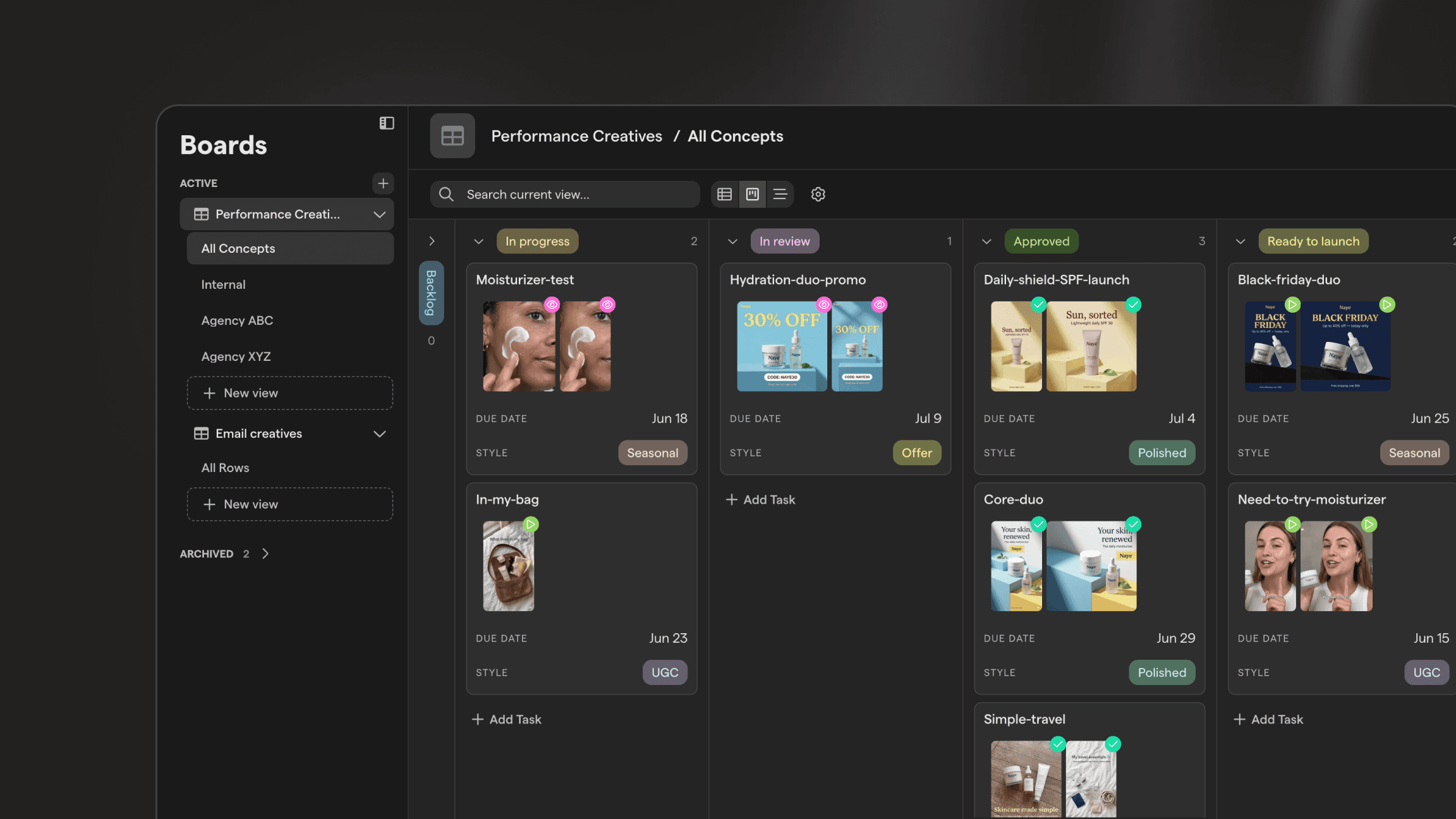
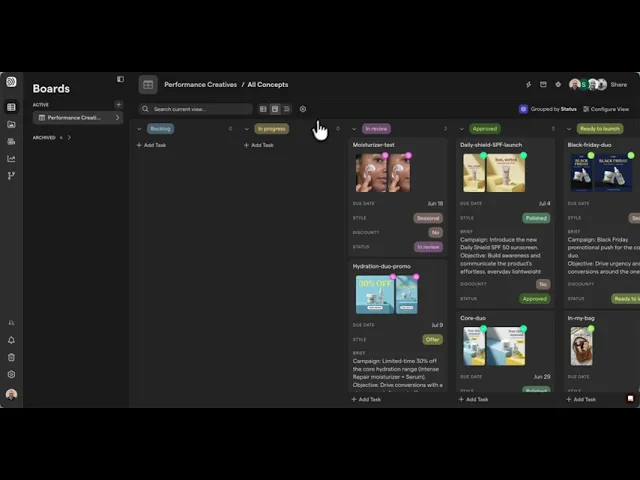
See your creative pipeline at a glance with Kanban view
Prefer to manage your sprints and projects in a Kanban view? We've added support for Kanban in boards.
You can group using any column such as status, update or due date, or any other column you want to set up.
Drag a card from one column to the next to update its status, instead of opening the row and editing a field.
You can configure what data you want to appear on each card and can choose to show or hide the field labels.
You can also choose whether you want to only show top-level tasks or sub-tasks.
You can freely switch between list, timeline and Kanban views. Nothing about the underlying data changes.
Kanban view is live for all Focal customers. Open any board and toggle to Kanban view from the view switcher.