Track what matters for performance, like hook, format, angle and language, on every asset in your library.

Your library knows the filename and nothing else
Folders and filenames can’t tell you which ads used a founder hook or which statics ran a discount. That context lives in people’s heads or a spreadsheet next to the library, and it’s gone when they leave. With Focal, it lives on the asset itself.
Attributes
Custom metadata on every asset
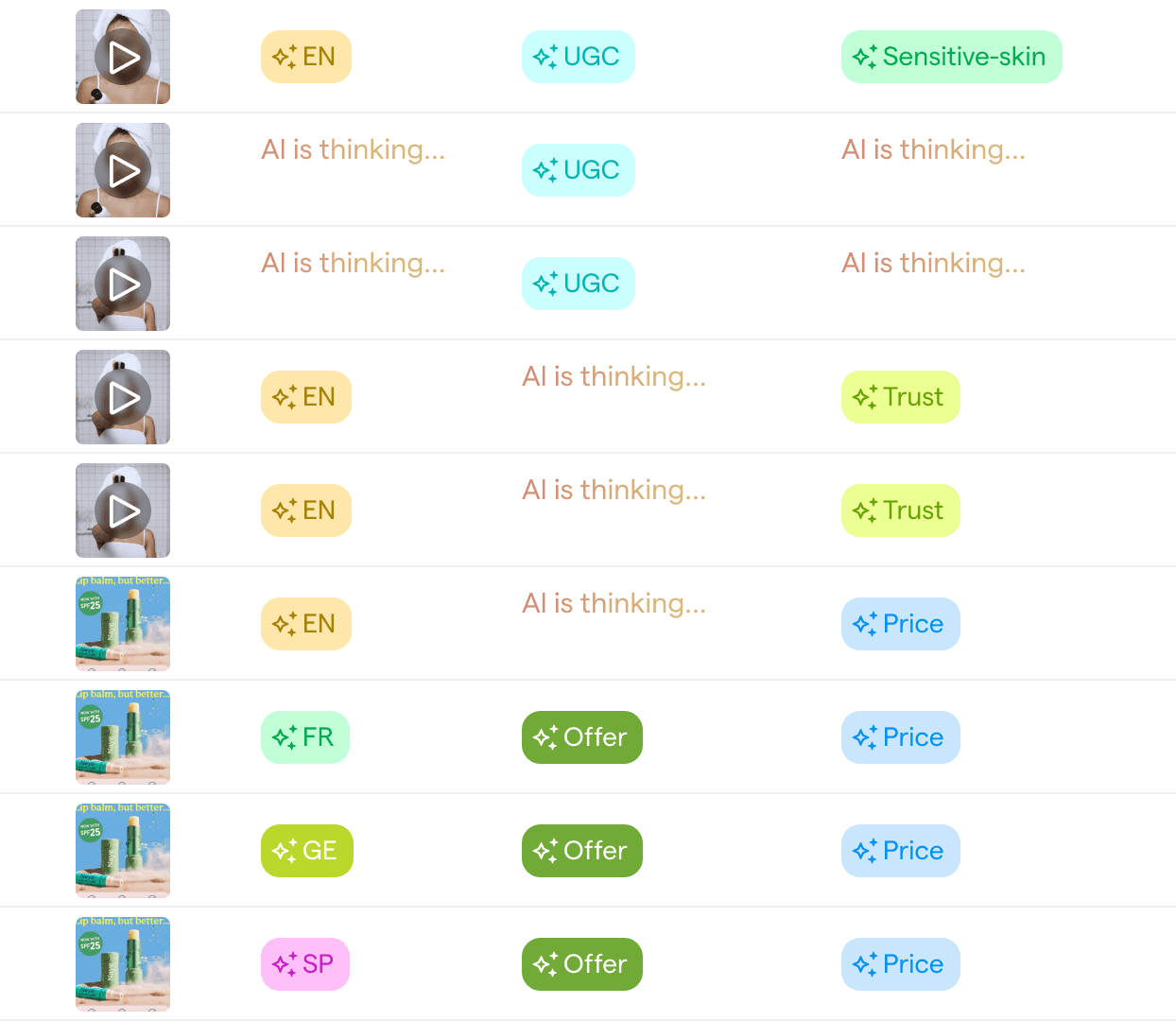
Attributes are custom fields that apply to every asset in your Focal library. Use tags, text, numbers, dates, users, links, ratings or checkboxes to capture hook type, format, creator or performance tier. Fill them by hand or with AI autofill, and some, like aspect ratio, fill in automatically from file metadata.
Performance on the asset
Bring ad data into your attributes
Insights attributes show an ad metric, like spend or CTR, right on each asset. External data attributes pull values from Google Drive, YouTube, TikTok, Meta or Figma, so context from every tool sits in one place.

Step 1
Create your attributes
Go to Settings, then Attributes, pick a type and add the values your team uses.
Step 2
Fill them automatically
Turn on AI autofill for attributes the AI can judge and let metadata fill the rest. Edit any value by hand.
Step 3
Use them everywhere
Filter and group the library, build naming conventions and compare performance by attribute in reports.
Explore related features
AI tagging
Tag every creative automatically in your own taxonomy.
Naming conventions
Rename every upload automatically to your naming rule.
Creative element analysis
Compare performance by hook, format and style.


