Add valid-from and expiry dates to any asset, so licensed and creator content doesn’t run past its rights.
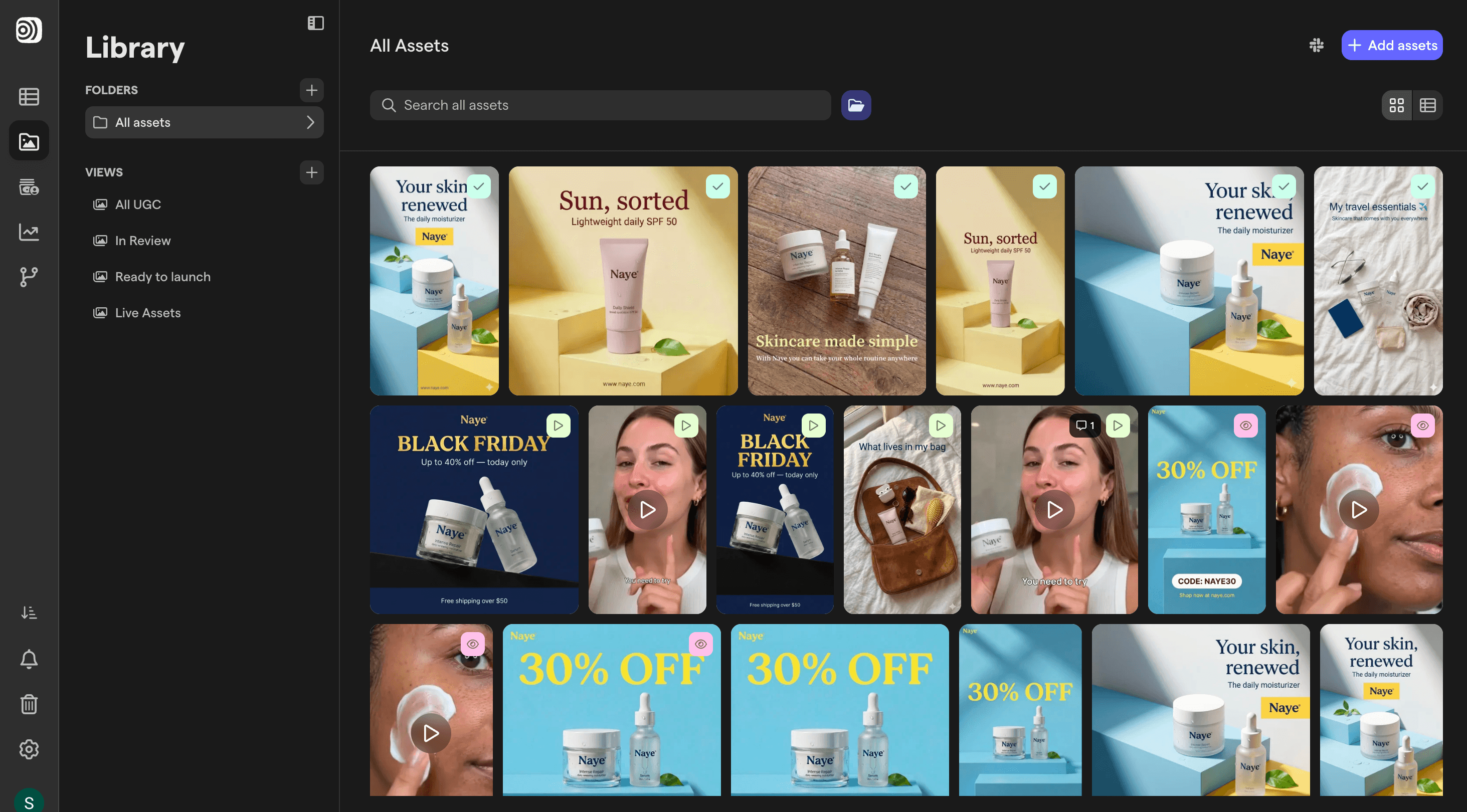
Are your usage rights living in someone's inbox?
Creator content and licensed footage come with end dates, but the dates sit in contracts and emails, far from the files. So an expired UGC video gets pulled into a new batch and nobody notices until someone asks. With Focal, the dates sit on the asset.
Asset lifecycle
Usage rights and expiry dates on every asset
Every asset in Focal has a lifecycle with a valid-from date and an expiry date. Set them when content arrives, see them in the media player and filter the library by what’s currently valid or about to expire. Workflows can set or update the dates for you, based on rules you define.

Step 1
Set the dates
Add valid-from and expiry dates in the asset’s metadata, one by one or with a workflow.
Step 2
Filter by what’s usable
Filter the library by expiry date and save it as a view, like “Expires this month”.
Step 3
Keep batches clean
Check the dates before a creative goes into a new batch or upload, right where the file lives.
Explore related features
Attributes
Track hook, format, angle and more on every asset.
Approval statuses
See where every creative stands, from draft to live.
AI search
Find any creative by what it shows, says or has on screen.


