Upload revisions onto the same asset instead of creating another final_v3_FINAL.mp4, and go back to any earlier version.
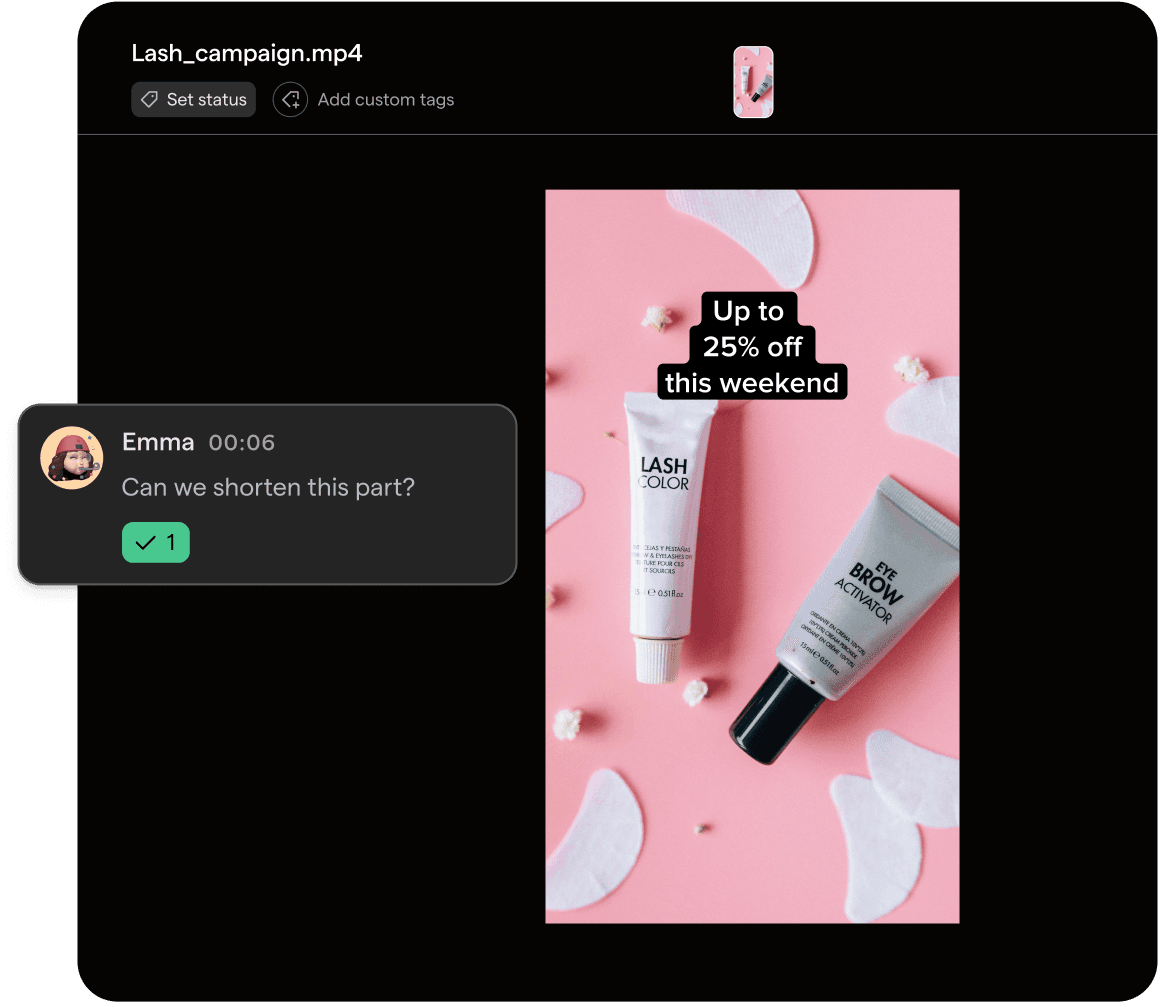
No more "final_v3_USE THIS.mp4"
Every round of feedback creates another file. Nobody’s sure which one is approved, the media buyer grabs the wrong cut and the notes from round two sit on a file nobody opens anymore. With Focal, revisions stack on one asset.
Version history
Version control for ad creatives
Version history keeps every revision of a creative on the same asset in Focal. Drop a new file onto the asset to upload the next version, and earlier versions stay available in the media player. The asset stays in the same folder, board and collection, so everyone works from the latest version with the full history one click away.

Step 1
Review the current version
Leave frame-accurate comments on what needs to change.
Step 2
Drop in the revision
Drag the new file onto the Versions tab to upload it as the next version.
Step 3
Go back when you need to
Open earlier versions from the version history whenever you need to check what changed.
Explore related features
Video review
Comment and draw on the exact frame of any video.
Approval statuses
See where every creative stands, from draft to live.
Production reports
Track creative output, versions and feedback over time.


