Best Jira alternatives for creative teams (2026)
Jira is great for developers, but creative teams typically inherit it instead of choosing it. See how Focal, ClickUp, Wrike, Asana, and others compare.

Your creative team probably didn't choose Jira. Engineering was already using it and IT would rather standardize everything to one platform, and so briefs and creative reviews end up living in the same ticket system built for sprints and bug tracking. It works to an extent. But a senior UX designer with seven years on Jira said it well: it's "too complex for creative workflows... not used by everyone in Marketing."
We read through hundreds of G2 reviews, dug into our own sales conversations and customer implementations, and pulled that research together into this piece. We'll discuss the following alternatives to Jira for creative teams in this article:
Focal
ClickUp
Wrike
Asana
Monday.com
Airtable
The "DIY combo": Google Sheets paired with Frame.io
Jira tracks tickets, not creative assets
Across dozens of reviews from designers, marketers, and technical staff, the problem shows up. A Jira ticket is text, comments, and links. Creative never lives in Jira itself, and many reviews from designers include wished for something like "a more visual or flexible way to organize creative work — like moodboards or visual task previews" (an exact quote from one G2 review).
One detailed review put the structural mismatch even more bluntly, describing Jira's "rigid state machine" as failing to reflect "the messy, non-linear reality of brainstorming and iteration."
Jira is an outstanding, industry-standard tool for what it was built to do, and reviewers who use it for software development are consistently positive. It's also genuinely strong in many ways: it has deep native integration with developer toolchains (GitHub, Bitbucket, CI/CD), granular org-level permission and admin controls (there's several levels of admins for example and you can configure all access rights extremely deeply), and an ecosystem of thousands of integrations built up over more than a decade on the market.
The problem is that creative teams inherit all of it anyway, whether or not any of it applies to briefs, reviews, and ad creative.
Here's how the real alternatives compare.
1. Focal: built specifically for ad creative teams
Read the full Jira vs Focal comparison.
Focal is the only tool on this list built around the asset itself rather than a ticket referencing it. Every creative is tagged automatically on upload by what it actually shows, reviewed and annotated frame by frame, and uploaded directly to Meta, TikTok, and YouTube with performance data connected on the creative level. Unlike Jira, there's no need to bolt on a separate proofing tool for review purposes.
Best for: teams producing 100+ ad creatives a month who want the asset, the brief, the approval, and the performance data living in one place, without also inheriting a developer-first ticket system.
Worth knowing: it's newer than every other tool on this list, with a lot less review volume, and its own reviewers say it can take some real setup effort for large creative operations given how much it does — though dedicated onboarding help is available.
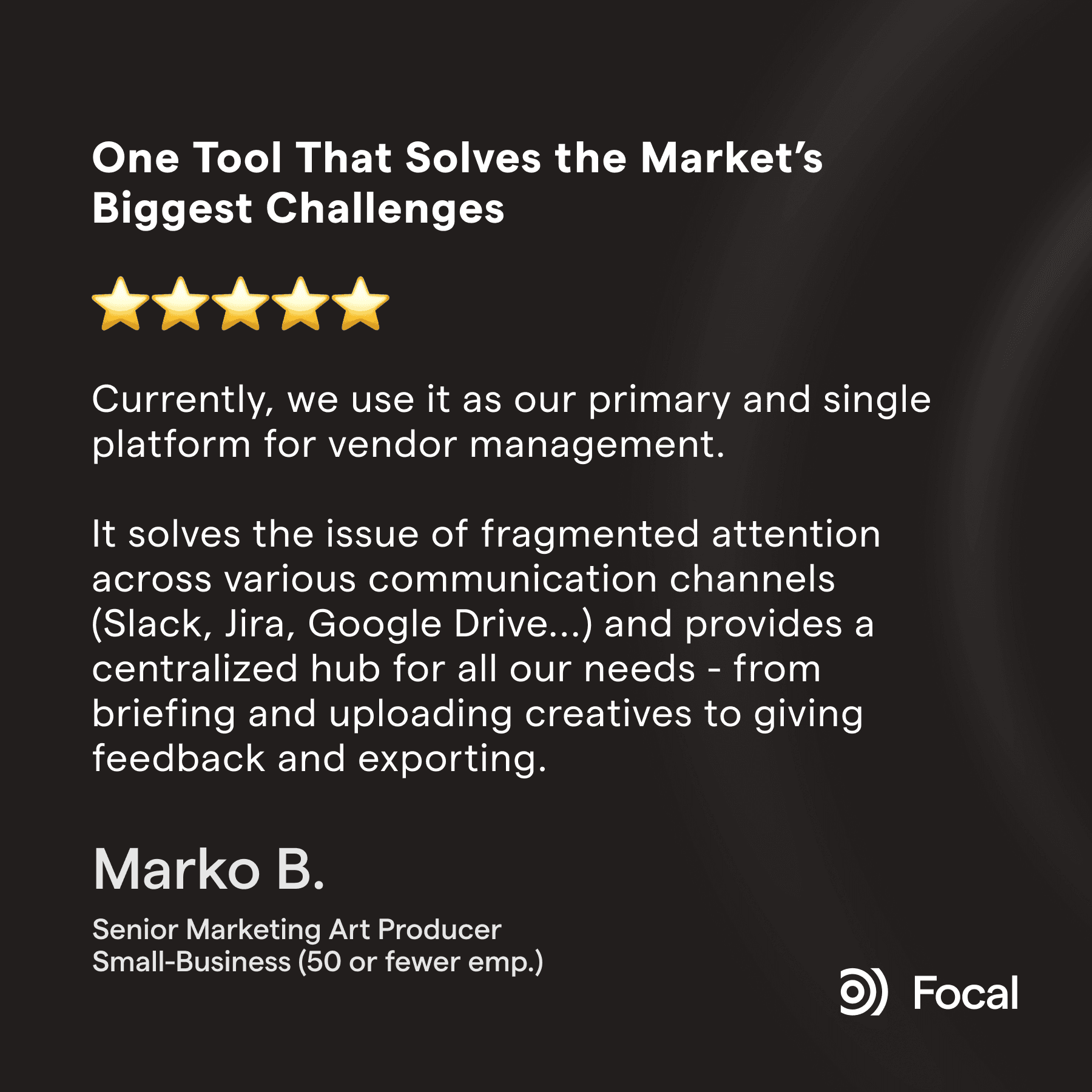
Excerpt from a 5-star G2 review from a user who migrated from Jira to Focal.
2. ClickUp: visual and flexible, but has similar weaknesses with creative assets
ClickUp is a genuine step up from Jira for marketing teams in general. It's visual, endlessly customizable, and fits very well into several use cases marketing departments have. It handles attachments better, has some native document editing capabilities, offers whiteboarding, and has some campaign-centric layouts out of the box. Due to the extensive customizability, it can also be adapted into use cases Jira would never fit, like doubling as a lightweight CRM.
Worth noting: one reviewer who migrated from Jira to ClickUp found sprint transitions specifically harder than they'd been in Jira, a reminder that Jira's agile tooling is genuinely deep in ways a general tool doesn't always replicate.
However, ClickUp still has similar challenges when it comes to visual assets. For example, reviewing the actual creative isn't something ClickUp does natively. When you're working with ad material it's also good to note that ClickUp itself has no native ad-platform connections, so it isn't able to tie the creative to the ad performance or help you understand which of the creatives your team made actually resulted in most sales for example.
BeHuman, a performance creative agency, ran their operation on ClickUp before switching to Focal. When they were using ClickUp, they needed 4 additional tools on top to make it work. In their case, ClickUp was used for project management and invoice tracking, Google Drive for file storage, Frame.io for client reviews, and Notion and Figma for briefs and documentation.
Best for: teams that want one highly customizable, visual tool for creative tasks and are comfortable pairing it with Frame.io or similar for actual creative review.
You can read the full ClickUp vs Focal comparison here.
3. Wrike: the one general tool with real native proofing
If the single thing your creative team misses most from a ticket-only system is the ability to actually review a cut inside the tool, Wrike is a strong general PM tool option. It offers genuine native annotation and proofing, which most of the other alternatives here don't have out of the box. It isn't perfect: reviewers report real rendering issues with exported design files (e.g. PDFs from Illustrator showing broken gradients and color glitches).
For complex projects like large marketing campaigns, Wrike also handles tasks and files better than Jira, which was built for engineering tickets that typically have a very different scope. It also has integrations to tools many larger marketing orgs use extensively such as Adobe Marketing Cloud.
Like Jira and ClickUp, Wrike has similar limitations when working with ad material specifically: it has no native upload to Meta, TikTok, or YouTube, a gap its own team has publicly acknowledged in response to reviewers. There's no creative asset level performance data either, so you still need external tools to analyze which creatives were winners.
Best for: teams that specifically want built-in creative review and are also managing large, complex, cross-departmental project portfolios, not just creative work.
You can read the full Wrike vs Focal comparison here.
4. Asana: clean interface, the same underlying gap
Asana trades Jira's ticket-and-sprint structure for something noticeably easier to look at and faster to learn, and it's genuinely one of the best-reviewed general project management tools out there. It also has integrations with tools marketing orgs use extensively like Google Drive and Frame.io. But as one creative agency Founder described them, they're "more of a link-drop than a true two-way sync". The actual files still live somewhere else, same as they would in Jira, just with a friendlier interface pointing at them.
Asana has also been around for quite a while already and has many experienced users. If your marketing team has a dedicated project manager that handles most of the task management for your entire team, Asana can be an excellent choice since power-users can get a lot out of it.
There is no native understanding of visual assets in Asana either so things like AI tagging or visual search aren't really there. Same goes for connecting ad performance to creative assets: it's not possible at least out of the box.
Best for: teams that want a widely-liked, easy-to-learn general tool and are comfortable with real files living in Drive or Frame.io rather than in the platform itself.
You can read the full Asana vs Focal comparison here.
5. Monday.com: more visual than Jira, but not a creative asset tool either
Monday.com is worth naming here specifically because it's a common next step for a team leaving Jira. It's dramatically more visual (boards, color-coded statuses) and far easier to onboard non-technical teammates onto. But some of the key issues still remain when dealing with large volumes of creative – ad creative especially.
One reviewer reported real performance strain trying to store around 5,000 images on a single board. A reviewer working in performance marketing mentioned it "can feel limited compared to dedicated marketing platforms." And Monday.com's own newer marketing claims that campaigns, assets, and performance data all "live together" don't seem to match reviewer experiences (at least yet).
Best for: teams that want a much friendlier, more visual alternative to Jira for general project tracking, and don't need the asset itself to live in the platform.
You can read the full Monday.com vs Focal comparison here.
6. Airtable: a flexible DIY database approach, but the recent acquisition raises questions on plans and pricing
Airtable is what many teams choose when they want more structure than a spreadsheet but don't want migrate to a full ticket system. It's genuinely good at custom views and relational data, and pairs well with automation tools like Zapier if you're comfortable building your own logic. There's very little built-in creative functionality though. For example no native visual tagging or search, so it's more of an extension to an existing setup than a full replacement.
Another thing that makes Airtable a bit riskier is that it was acquired by Bending Spoons in September 2026, a company with a well-documented pattern across other acquisitions (Evernote, WeTransfer, Meetup) of steep price increases and heavy staff cuts shortly after closing. That's not a reason to rule it out, but it's worth factoring into any long-term bet on pricing or support stability.
Best for: small teams that want a flexible, database-style tracker and are comfortable building their own structure from scratch, as an extension rather than a full replacement.
The DIY combo: Google Sheets and Frame.io (+Slack, email, Notion, ChatGPT, etc…)
Some creative teams inside a Jira-using company skip the ticket system for their own work entirely rather than adapting to it:
A spreadsheet for statuses, and naming conventions
Frame.io for review
Slack or email for the back-and-forth
Notion or Google Docs for the actual brief texts
Claude or ChatGPT for light automation on top.
It's cheap, it's fast to set up, and it works at lower volumes.
The cracks start showing with higher creative volume (past roughly a hundred ad creatives a month):
Naming conventions exist in someone's head or a doc, but aren't really enforced anywhere
The spreadsheets get out of sync
Every asset still needs a manual download from file hosting, then an upload to an ad platform, which takes hours with hundreds of new assets
This is more of a starting point, not a long-term system. If you are planning to use ad creative at meaningful volumes, and are planning a move off of Jira, we would not recommend this kind of scattered setup.
You can find the full Frame.io vs Focal comparison here.
How to choose the right tools for your creative team?
Staying on Jira can be a perfectly valid choice, especially if your creative team works closely with engineering or product teams day to day and the cost of maintaining a second system outweighs the friction of using Jira for briefs. If the friction mainly comes from a messy setup rather than the tool itself, a dedicated admin, tighter permissions, and a third-party proofing tool can go a long way before a full migration is worth considering.
If you want something more visual and easier to learn without leaving the general-PM-tool category, Monday.com or ClickUp are the more common next steps.
If built-in creative review matters more than anything else, Wrike is the strongest general option for that specifically.
If your team's real bottleneck is finding, tagging, reviewing, and uploading the asset itself, and then tying it to performance data, not just tracking that a task exists, then looking into Focal is a good idea. It was built to solve these exact issues, and can run alongside whichever general tool the rest of the company keeps using.
Petteri Jalonen
